
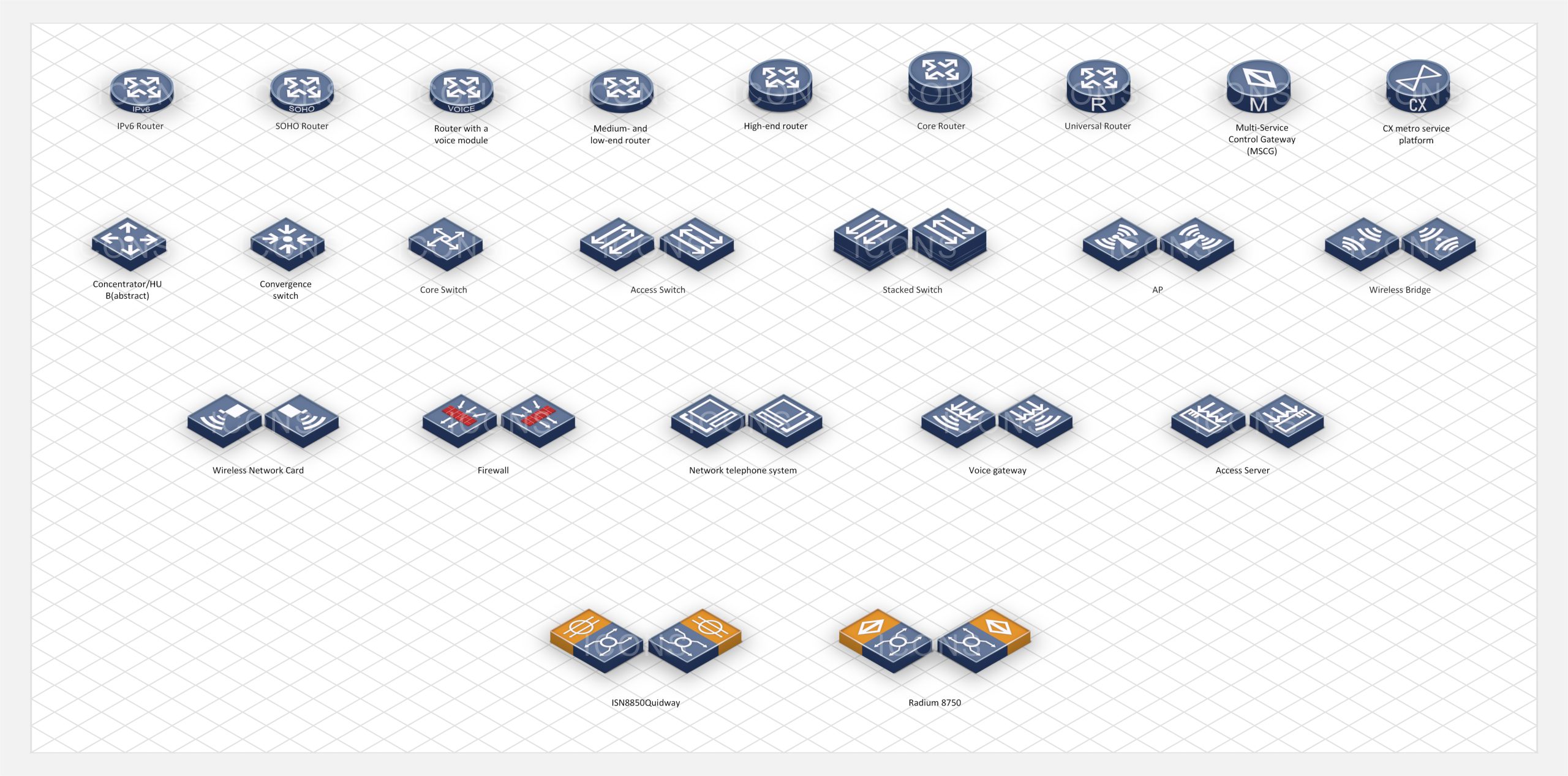
3D Network Symbols
3D Huawei Network Symbols Pack
$14.99
Format: Microsoft Visio (.vsdx) – also imports into Visio-compatible software
- Perpetual licence: no expiry and no yearly fee
- Download link straight after payment
- Works with Microsoft Visio and Visio-compatible software
- Included in every subscription plan
Need lots of products? A subscription includes everything.
Not sure yet? Try the free network symbols pack first to check the quality.
About this product
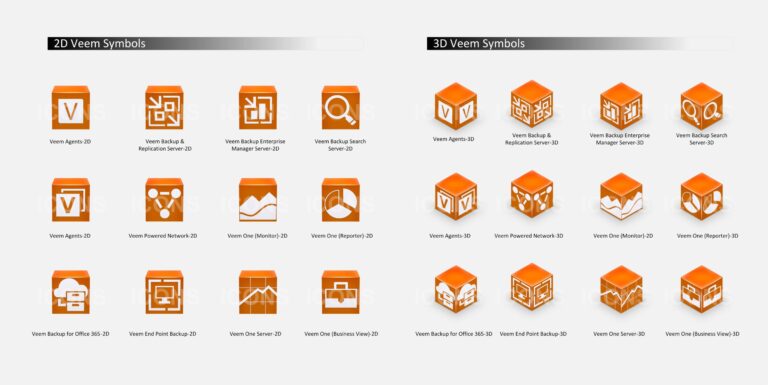
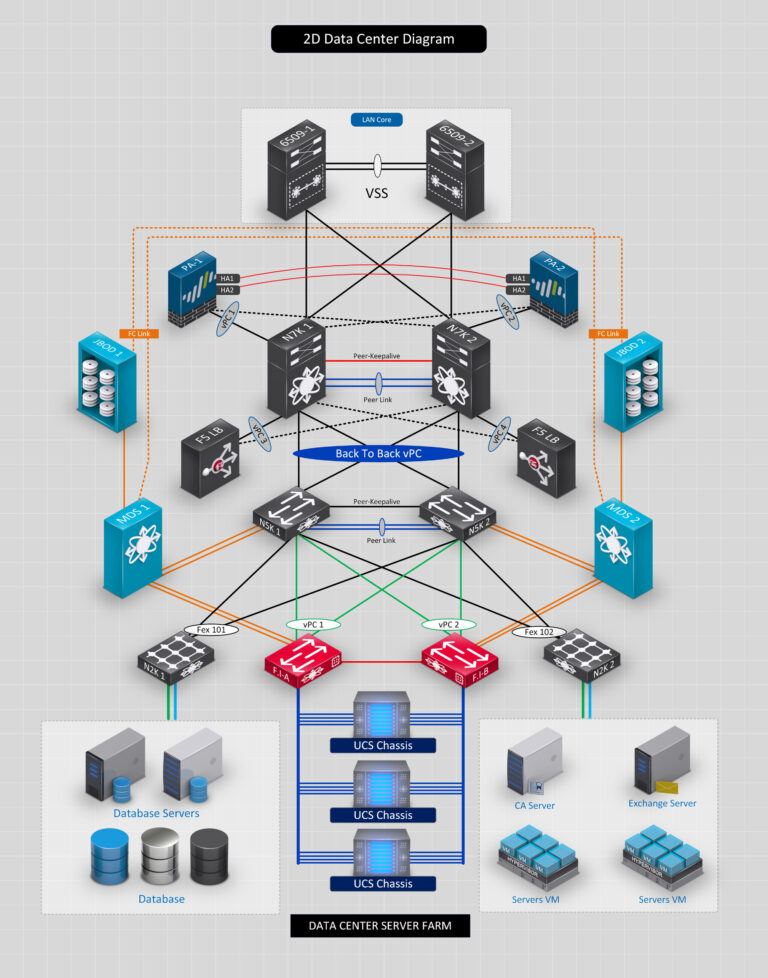
Huawei Network Symbols in 3D and 2D by 3D Networking offer a comprehensive and visually striking way to represent Huawei’s network components in detailed diagrams. These symbols include various network devices such as routers, switches, firewalls, servers, and wireless access points, available in both 3D and 2D formats.
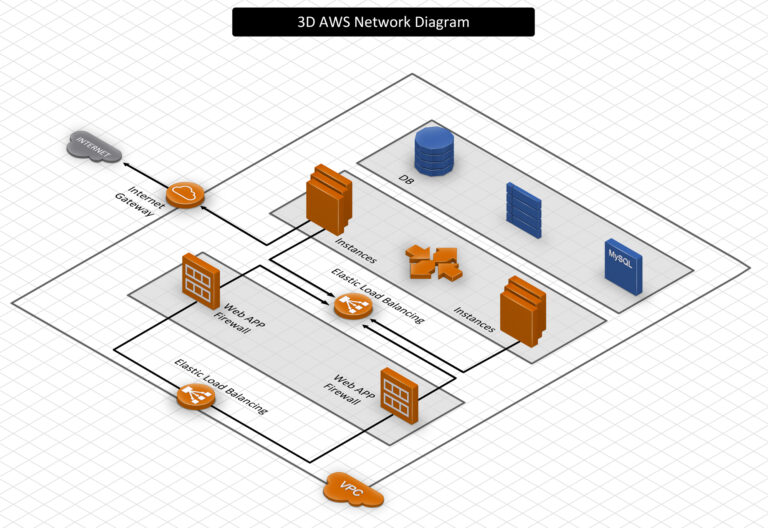
The Huawei Network Symbols in 3D add depth and realism, making complex network architectures easier to understand and more engaging to view. They provide a lifelike representation of each component, which can be invaluable for visualizing the physical layout and spatial relationships within a network. This enhanced perspective is particularly useful for presentations, training, and documentation, helping to convey intricate network details more effectively.
On the other hand, the 2D symbols offer a simplified and clear representation, ideal for creating straightforward and easy-to-read network diagrams. These symbols are essential for quick design work and for scenarios where simplicity and clarity are paramount.
Huawei Network Solutions span a wide range of technologies and services designed to support enterprise and carrier networks. These solutions include robust networking hardware and software for data centers, campus networks, wide area networks (WANs), and cloud services. Huawei’s offerings are known for their high performance, reliability, and advanced features such as software-defined networking (SDN) and network function virtualization (NFV).
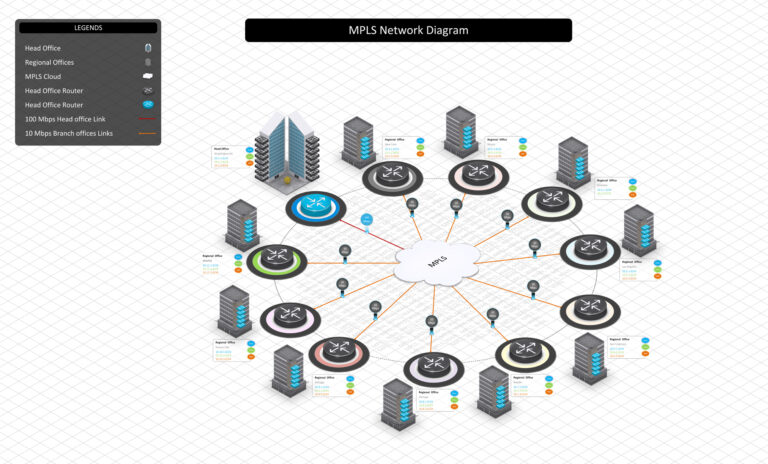
Using Huawei Network Symbols in 3D and 2D by 3D Networking enables network engineers and IT professionals to create accurate and visually appealing diagrams that reflect the versatility and power of Huawei’s network solutions. These diagrams can illustrate various topologies, demonstrate the flow of data, and highlight the interaction between different network elements, providing a clear and comprehensive view of the network infrastructure.
Overall, these symbols are a valuable tool for enhancing the visualization, planning, and communication of Huawei network designs, making complex network architectures more accessible and understandable for stakeholders at all levels.