
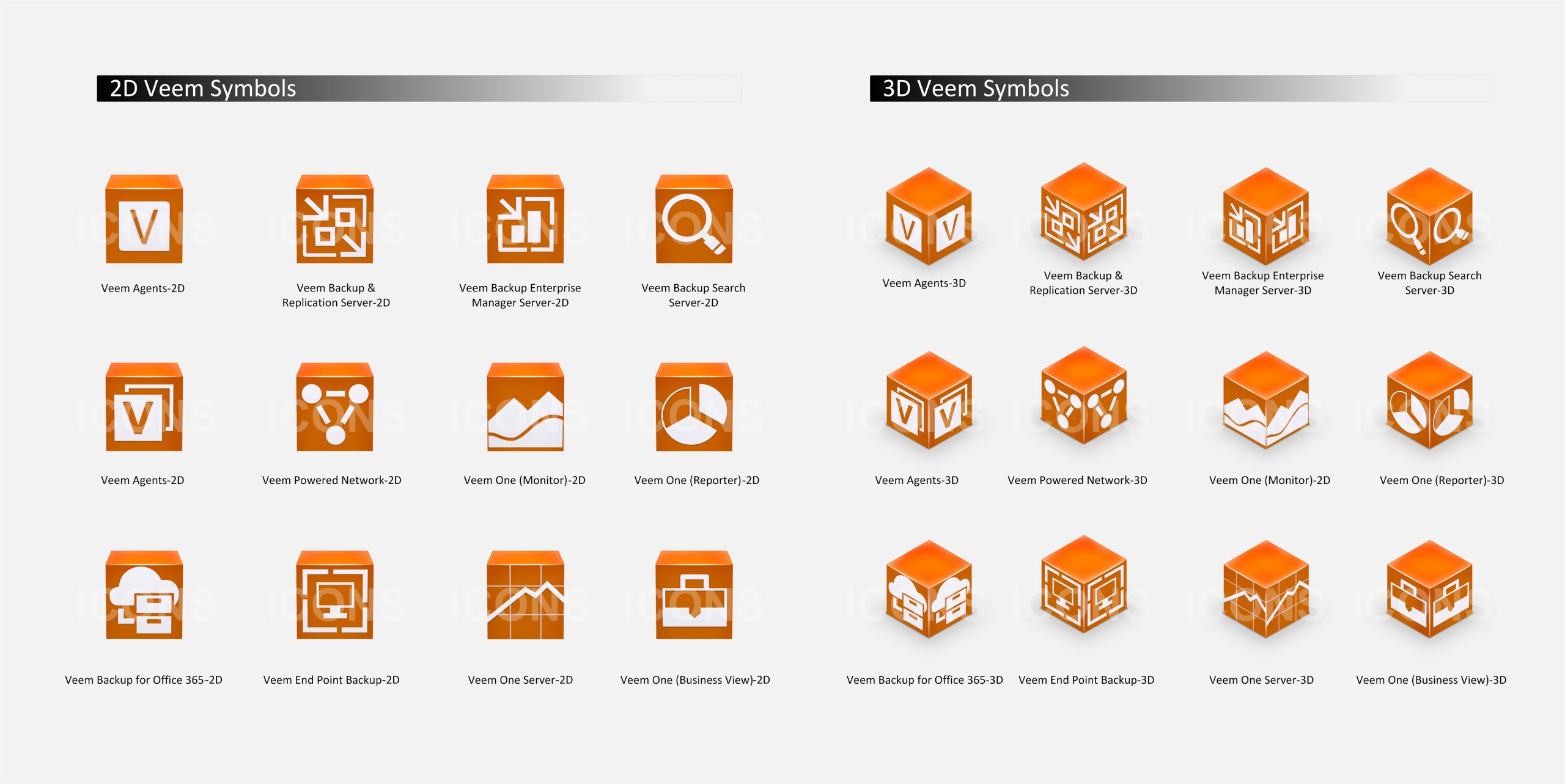
2D Network Symbols
Veeam Network Symbols 3D & 2D Pack
$12.99
Format: Microsoft Visio (.vsdx) – also imports into Visio-compatible software
- Perpetual licence: no expiry and no yearly fee
- Download link straight after payment
- Works with Microsoft Visio and Visio-compatible software
- Included in every subscription plan
Need lots of products? A subscription includes everything.
Not sure yet? Try the free network symbols pack first to check the quality.
About this product
Veeam Network Symbols by 3D Networking
3D and 2D Veeam Network Symbols
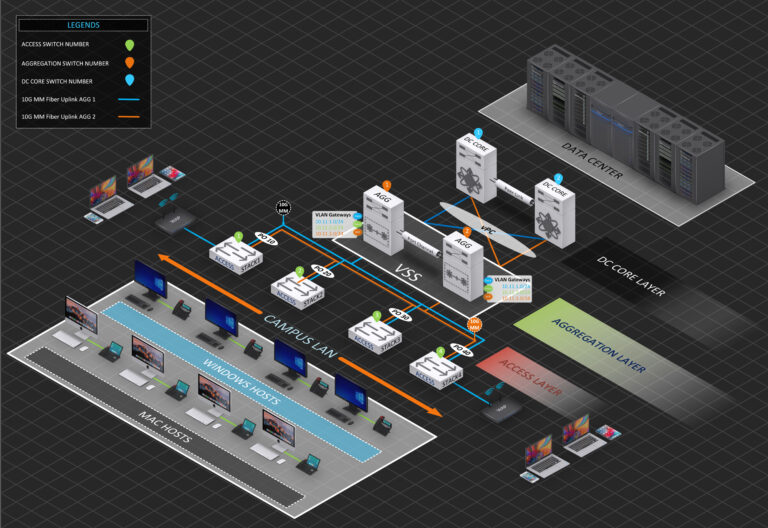
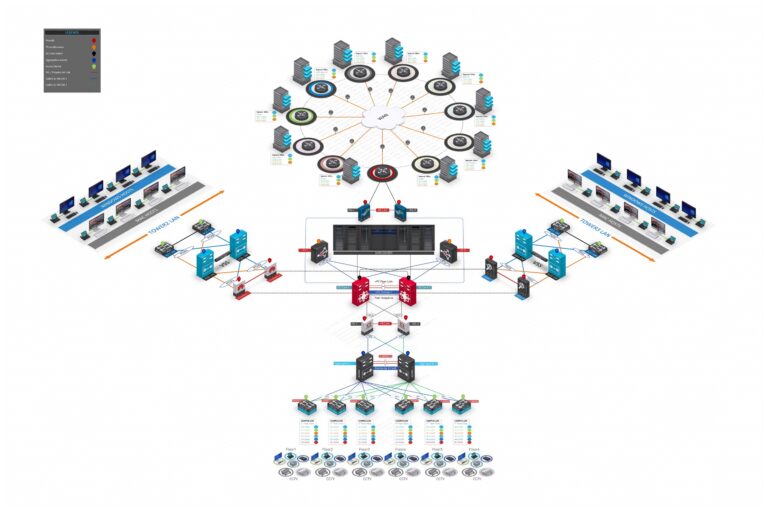
3D Veeam Network Symbols: 3D symbols offer a more realistic and detailed representation of network components. These symbols can help in visualizing complex network infrastructures more clearly, often used in professional and detailed network diagrams.
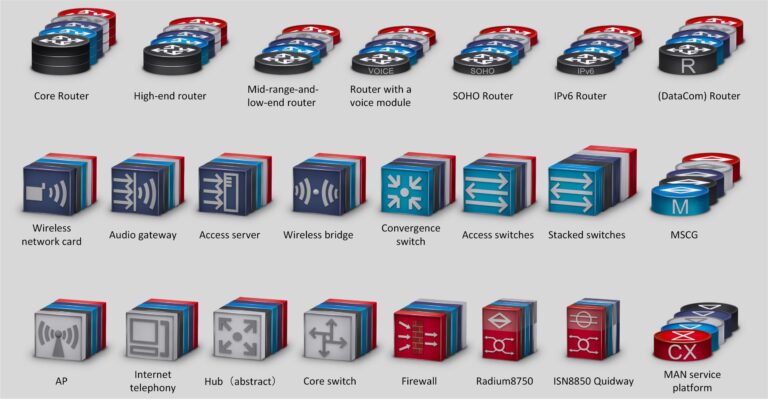
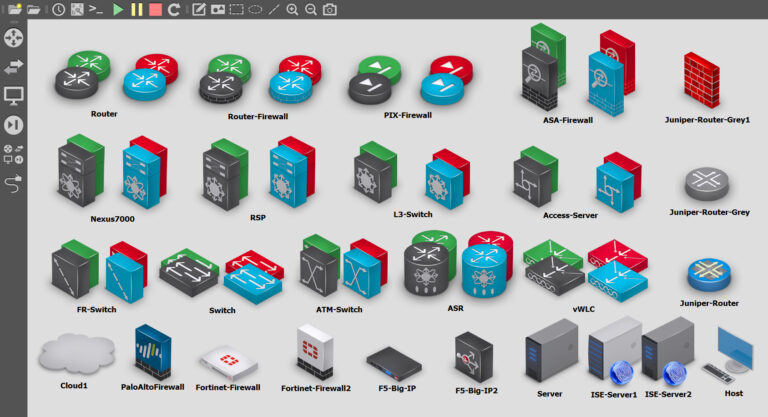
2D Networking Symbols: 2D symbols are simpler and are typically used in standard network diagrams. They provide a straightforward way to represent network components and connections without the additional complexity of 3D symbols.
Common Veeam Network Symbols
- Veeam Backup Server: Represents the main management component responsible for controlling backup, replication, recovery verification, and restore jobs.
- Proxy Server: Acts as a data mover and performs data processing tasks during backup, replication, and restore jobs.
- Repository: Represents a storage location where backup files, copies of VMs, and metadata are stored.
- WAN Accelerator: Optimizes data transfer over the WAN for backup copy and replication jobs.
- Cloud Connect: Allows service providers to offer offsite backup and replication services to their customers.
Veeam Architecture
Veeam’s architecture is designed to provide comprehensive data protection and disaster recovery solutions. Here are the primary components:
- Veeam Backup & Replication:
- Veeam Backup Server: The core component that coordinates all jobs and controls all other components.
- Backup Proxy: Manages data traffic between the data source and target and handles compression, deduplication, and encryption tasks.
- Backup Repository: A storage location for backups, typically a disk-based repository.
- WAN Accelerator: Helps in optimizing data transfer over WAN, reducing bandwidth consumption.
- Veeam ONE:
- An advanced monitoring, reporting, and capacity planning tool for Veeam Backup & Replication and VMware vSphere and Microsoft Hyper-V environments.
- Veeam Cloud Connect:
- Provides a fully integrated, fast, and secure way to back up, replicate, and restore data from the cloud.
- Allows service providers to offer cloud backup and Disaster Recovery as a Service (DRaaS).
- Veeam Availability Suite:
- Combines Veeam Backup & Replication and Veeam ONE into a single suite.
- Provides comprehensive data protection, monitoring, and reporting tools to ensure availability.
- Veeam Agents:
- Extend Veeam’s capabilities to physical servers and workstations, ensuring data protection across physical and cloud environments.
- Veeam Backup for Microsoft Office 365:
- Provides backup and recovery solutions for Office 365, protecting data in Exchange Online, SharePoint Online, OneDrive for Business, and Microsoft Teams.
Veeam Backup & Replication Architecture
- Backup Infrastructure:
- Source: The data source, such as VMs, physical servers, and cloud instances.
- Transport: Involves components like backup proxies and WAN accelerators that handle data movement.
- Target: Backup repositories where the data is stored.
- Backup Process:
- Job Management: Backup jobs are defined and scheduled on the Veeam Backup Server.
- Data Transport: The backup proxy processes the data and sends it to the backup repository.
- Data Storage: The backup repository stores the backup files, which can be restored as needed.
- Replication Process:
- Replication Jobs: Similar to backup jobs, but they create a copy of a VM on another site.
- Data Movement: Handled by backup proxies and WAN accelerators to ensure efficient data transfer.
- Target Location: The replica VM is stored on a different host or in the cloud.
- Recovery:
- Instant VM Recovery: Allows you to immediately restore a VM from a backup.
- Full VM Recovery: Restores the entire VM from a backup file.
- File-Level Recovery: Allows for recovery of individual files from a VM backup.
- Application-Item Recovery: Allows for granular recovery of application items, such as emails or database records.
Visualizing Veeam Network Diagrams
When creating network diagrams with Veeam components, it’s important to use consistent symbols to represent each component. Here’s a typical setup:
- Backup Server: Central node managing all backup and replication jobs.
- Proxies: Positioned between the source and target, handling data processing.
- Repositories: Connected to the backup server and proxies, representing storage locations.
- WAN Accelerators: Positioned between sites to optimize data transfer.
- Cloud Connect: Represented as a connection to a cloud service provider for offsite backups.
By using 2D or 3D Veeam Network Symbols to represent these components, you can create clear and professional network diagrams that help in planning, deploying, and managing Veeam solutions.