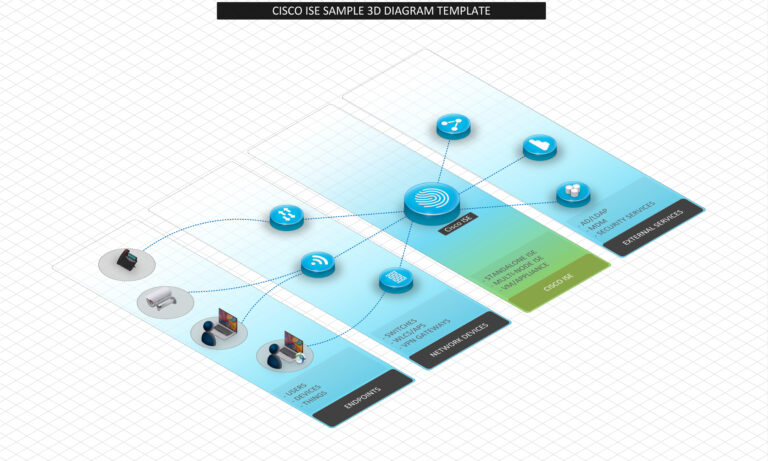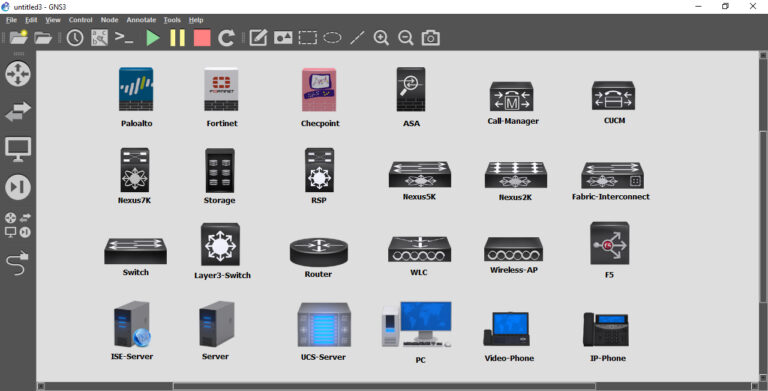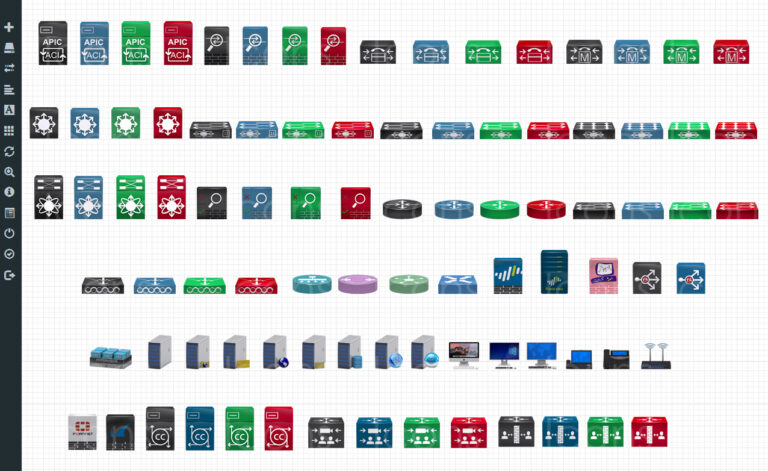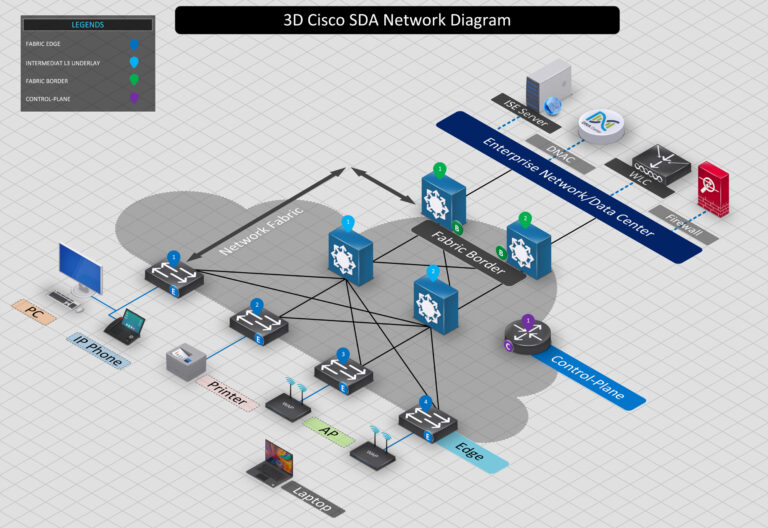

3D Network Symbols
3D GNS3 Symbols Pack
$11.99
Format: Microsoft Visio (.vsdx) – also imports into Visio-compatible software
- Perpetual licence: no expiry and no yearly fee
- Download link straight after payment
- Works with Microsoft Visio and Visio-compatible software
- Included in every subscription plan
Need lots of products? A subscription includes everything.
Not sure yet? Try the free network symbols pack first to check the quality.
About this product
3D GNS3 Symbols Pack
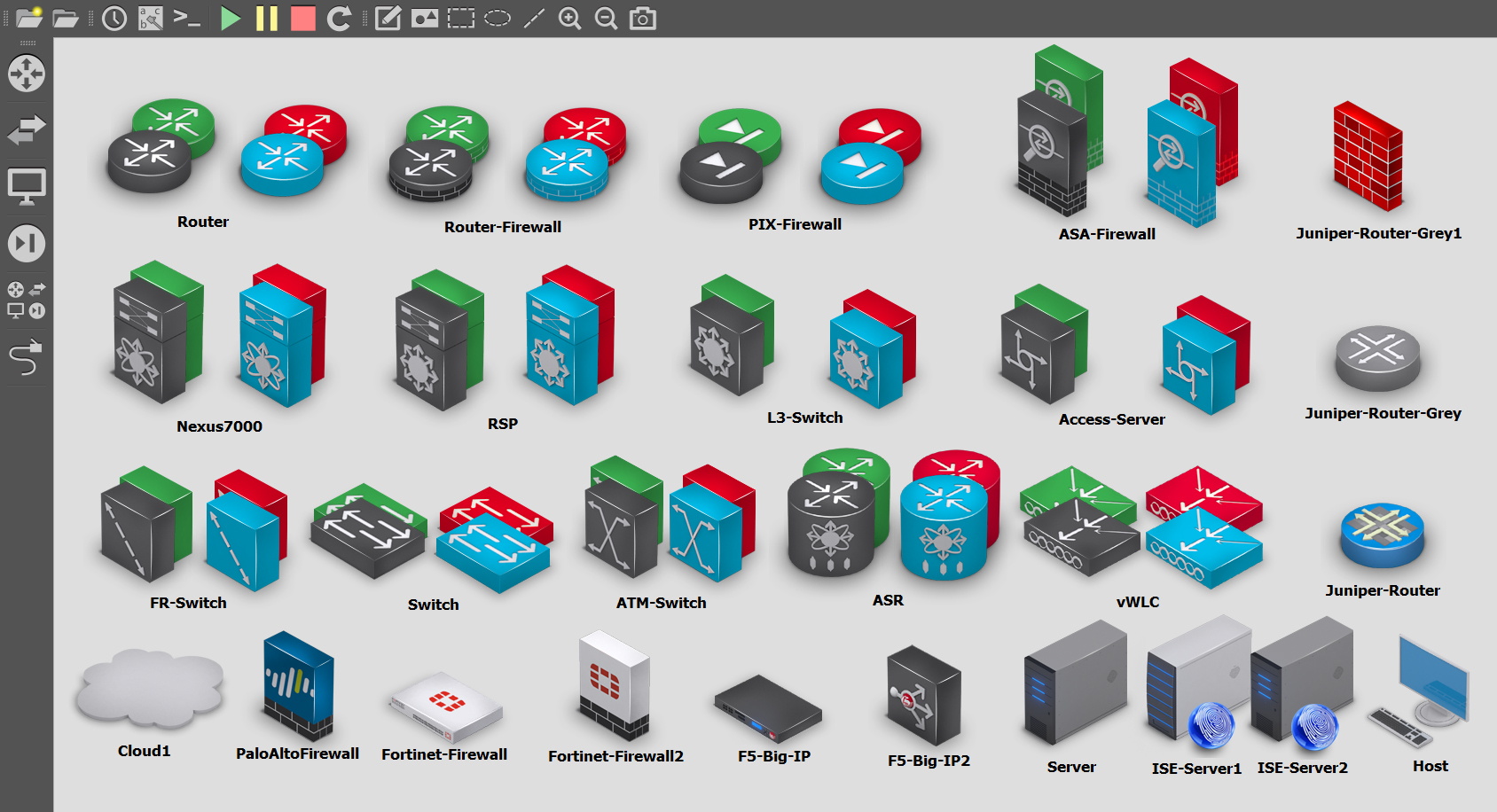
3D GNS3 Symbols Pack by 3D Networking is a specialized collection of symbols designed for use with the GNS3 (Graphical Network Simulator-3) emulator, a popular tool among network professionals and learners for simulating complex network environments. This symbols pack enhances the visual aspect of network diagrams in GNS3, making it easier for users to understand and work with their network topologies. Here’s a detailed overview of the 3D GNS3 Symbols Pack:
Features of the 3D GNS3 Symbols Pack
Comprehensive Symbol Set:
- Network Devices:
- Routers: 3D symbols for various router models, including those from popular vendors like Cisco, Juniper, and more.
- Switches: Detailed 3D icons for different types of switches, including layer 2 and layer 3 switches.
- Firewalls: 3D representations of firewall devices, both hardware and virtual.
- Access Points: Realistic 3D icons for wireless access points.
- Servers and Endpoints:
- Servers: Symbols for different types of servers (e.g., web, database, application servers).
- Client Devices: 3D icons for desktops, laptops, and mobile devices that connect to the network.
- Virtual and Cloud Components:
- Virtual Machines: Symbols representing virtual machines and containers.
- Cloud Services: Icons for various cloud services (e.g., AWS, Azure, Google Cloud).
- Storage Solutions:
- Storage Devices: 3D symbols for different storage technologies, including SAN, NAS, and DAS.
- Connectivity and Links:
- Cables and Connections: Different types of connection symbols, including Ethernet, fiber optic, and wireless links.
High-Quality 3D Design:
- Realistic Representation:
- Depth and Perspective: Adds a three-dimensional aspect to icons, making them more visually appealing and easier to distinguish.
- Detailed Design: Intricate details that accurately represent network components.
- Modern Aesthetics:
- Sleek and Professional: Modern design that enhances the professional appearance of network diagrams.
- Consistent Style: All symbols follow a consistent design language, ensuring a cohesive look.
Customization and Usability:
- Scalable Icons:
- High Resolution: Symbols maintain clarity and quality at various scales, suitable for both small and large diagrams.
- Flexible Sizing: Easily adjustable sizes to fit different diagramming needs.
- Color-Coded Elements:
- Enhanced Recognition: Different colors for different device types to facilitate quick identification.
- Customizable Colors: Ability to change colors to match specific preferences or organizational standards.
Benefits of Using the 3D GNS3 Symbols Pack
Improved Visualization:
- Better Understanding: High-quality 3D symbols help users better understand and visualize network designs and topologies.
- Professional Appearance: Modern and clean symbols give network diagrams a polished and professional look.
Enhanced Learning:
- Interactive Learning: Engaging and visually appealing symbols make it easier for learners to grasp complex network concepts.
- Clear Representation: Detailed and color-coded symbols help convey information more effectively.