
2D Network Symbols
EVE NG Multi Color Symbols Pack
$16.99
Format: Microsoft Visio (.vsdx) – also imports into Visio-compatible software
- Perpetual licence: no expiry and no yearly fee
- Download link straight after payment
- Works with Microsoft Visio and Visio-compatible software
- Included in every subscription plan
Need lots of products? A subscription includes everything.
Not sure yet? Try the free network symbols pack first to check the quality.
About this product
EVE NG Multi Color Symbols Pack (Emulated Virtual Environment Next Generation) is a powerful network emulation tool that allows for the design, testing, and implementation of complex network environments. The innovative EVE-NG Multi-Color Symbols Pack by 3D Networking enhances the visualization and usability of network diagrams by providing a set of multi-color, three-dimensional icons and symbols. Here’s a detailed look at this symbols pack and its benefits:
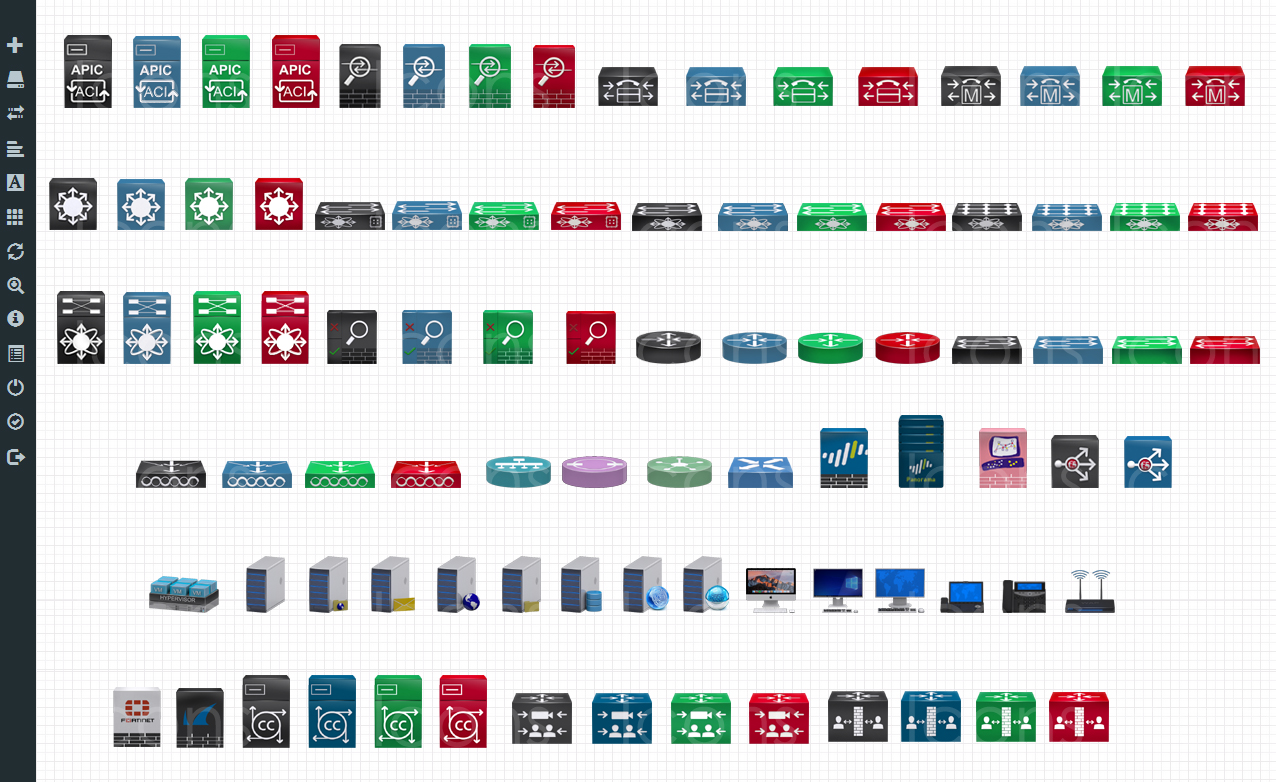
Features of EVE-NG Multi-Color Symbols Pack
Visual Enhancements:
- Multi-Color Icons:
- Distinct Colors: Different colors for various network elements to improve identification and reduce confusion.
- Color-Coding: Consistent use of colors to represent specific types of devices or functions (e.g., routers in blue, switches in green).
- 3D Symbols:
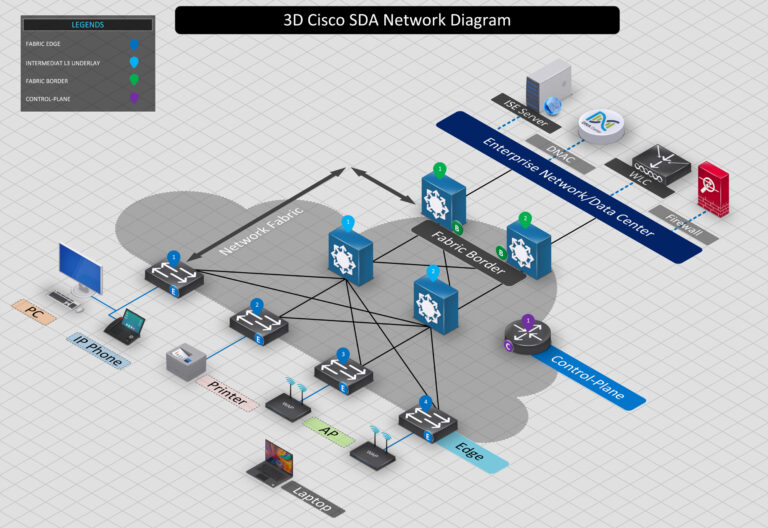
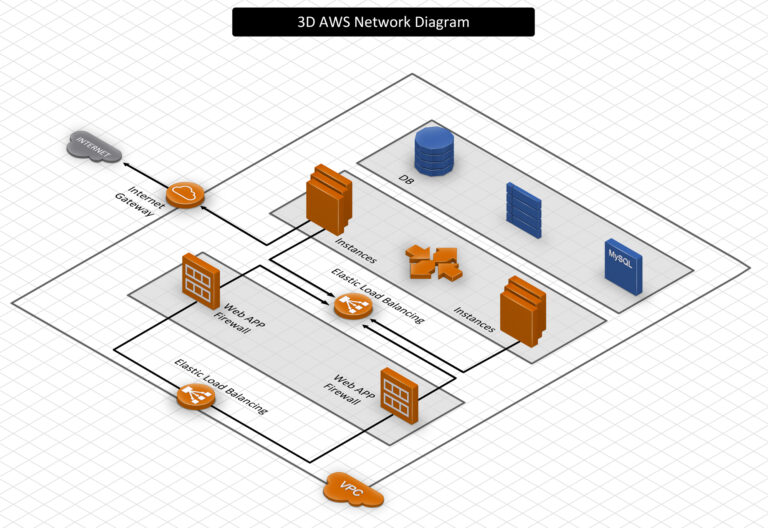
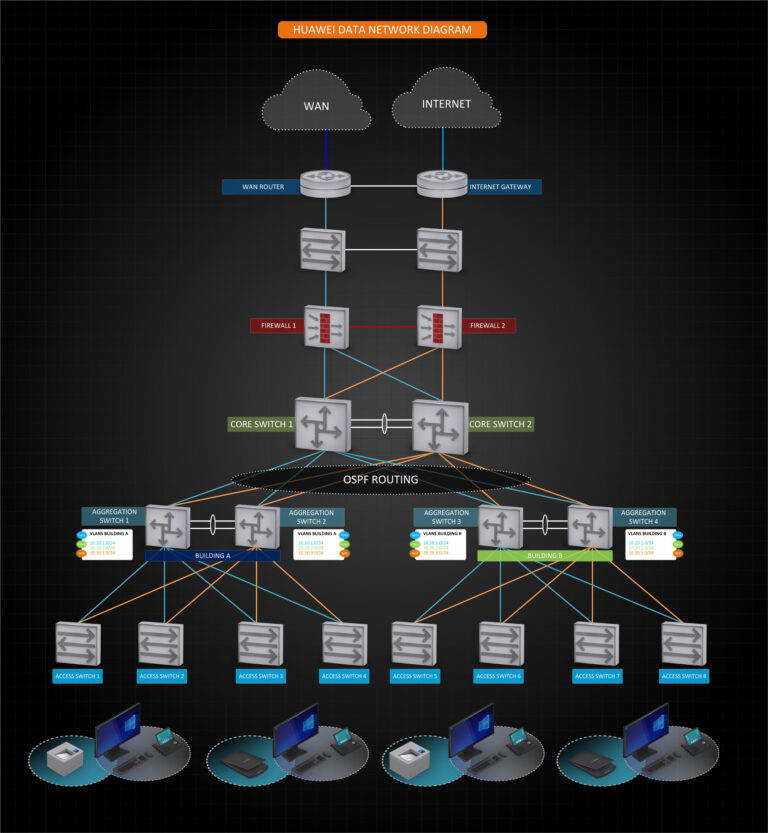
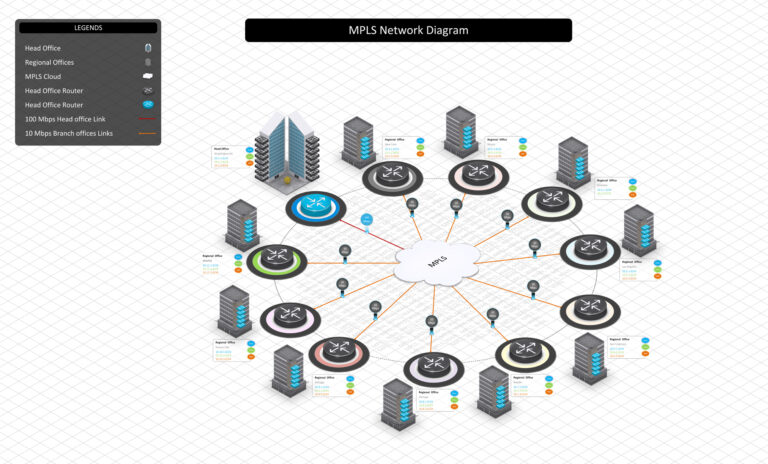
- Depth and Perspective: Adds a three-dimensional aspect to icons, making them more visually appealing and easier to distinguish.
- Realistic Representations: Icons resemble real-world devices, aiding in recognition and understanding.
Comprehensive Symbol Set:
- Network Devices:
- Routers: 3D icons representing various router models.
- Switches: Multi-color 3D symbols for different types of switches (e.g., layer 2, layer 3).
- Firewalls: Distinctive 3D icons for security devices.
- Wireless Access Points: Realistic 3D representations.
- Servers and Endpoints:
- Servers: Different types of servers (e.g., web, database) in various colors.
- Workstations and Laptops: Multi-color 3D icons for client devices.
- Cloud and Virtualization:
- Cloud Services: Icons representing various cloud providers (e.g., AWS, Azure).
- Virtual Machines: 3D symbols for virtualized environments and containers.
- Storage:
- Storage Devices: Multi-color icons for different storage types (e.g., SAN, NAS).
- Connectivity:
- Cables and Links: Different colors for different types of connections (e.g., Ethernet, fiber).
- Network Topologies: Symbols representing various network layouts (e.g., star, mesh).
Customization and Usability:
- Customizable Icons:
- User-defined Colors: Ability to change colors to match specific preferences or organizational standards.
- Scalable Sizes: Icons can be resized without losing clarity.
- Interactive Elements:
- Tooltips and Annotations: Adding notes and explanations directly to the symbols.
- Clickable Elements: Interactive icons that can link to additional information or configuration settings.
Benefits of Using the Multi-Color Symbols Pack
Improved Clarity and Understanding:
- Quick Identification: Multi-color icons help quickly identify different network components, reducing the time needed to understand complex diagrams.
- Better Visualization: 3D elements provide a more realistic view, making it easier to grasp the layout and design of the network.
Enhanced Communication:
- Consistent Symbol Set: Using standardized symbols ensures clear communication among team members and stakeholders.
- Professional Presentation: High-quality, visually appealing icons make diagrams look more professional and engaging.
Increased Efficiency:
- Faster Design and Troubleshooting: Easily distinguishable icons speed up the network design process and help in quickly identifying issues.
- Ease of Use: Customizable and interactive elements make it easier to create and modify network diagrams.