
3D Network Templates
3D Template 15 AWS Diagram 1
$12.99
Format: Microsoft Visio (.vsdx) – also imports into Visio-compatible software
- Perpetual licence: no expiry and no yearly fee
- Download link straight after payment
- Works with Microsoft Visio and Visio-compatible software
- Included in every subscription plan
Need lots of products? A subscription includes everything.
Not sure yet? Try the free network symbols pack first to check the quality.
About this product
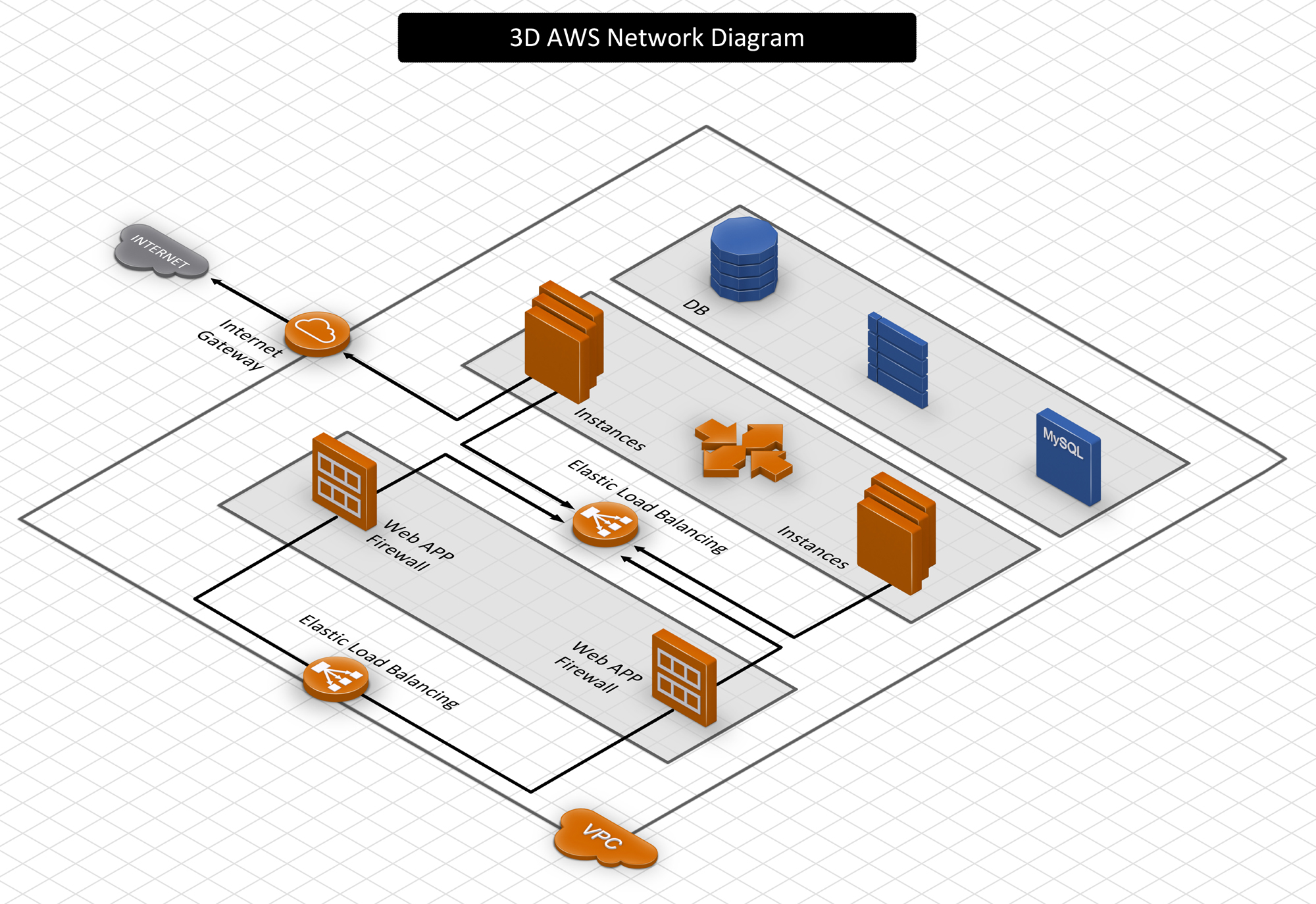
AWS Diagram 1
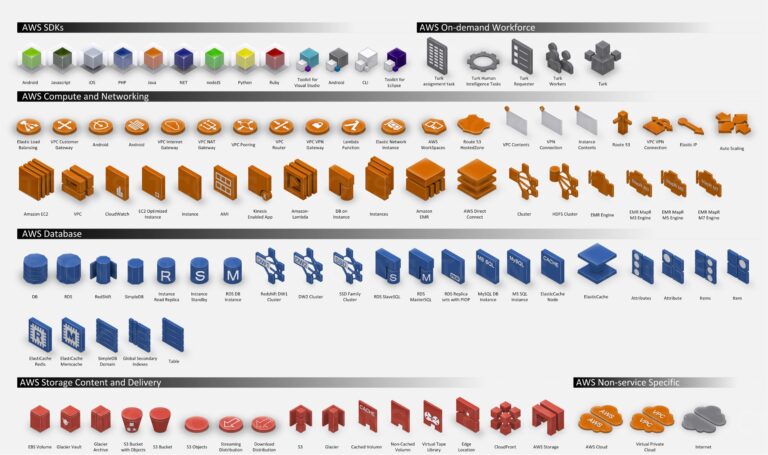
AWS Diagram 1 is and Innovative 3D by 3D Networking likely refers to a highly detailed and visually engaging three-dimensional diagram that represents Amazon Web Services (AWS) architecture and networking components. Here are some aspects and features that might be included in such a diagram:
Features and Aspects of AWS Diagram 1
- Three-Dimensional Representation:
- Visual Depth: Uses 3D elements to give a sense of depth and spatial relationships between different components.
- Enhanced Clarity: Provides a more intuitive understanding of how various AWS services and resources are interconnected.
- AWS Architecture:
- VPC (Virtual Private Cloud): Illustrates the structure of VPCs, including subnets, route tables, and gateways.
- EC2 Instances: Represents Elastic Compute Cloud instances with their configurations.
- S3 Buckets: Shows the storage buckets and their connectivity to other services.
- RDS (Relational Database Service): Visualizes database instances and their relationships with other components.
- Networking Components:
- Load Balancers: Displays Elastic Load Balancers (ELB) and their distribution of traffic.
- Security Groups: Illustrates the security configurations and rules applied to different resources.
- Network ACLs: Shows access control lists and their application across subnets.
- Peering Connections: Visualizes VPC peering relationships.
- Inter-Service Communication:
- API Gateway: Depicts the API Gateway setup and how it integrates with backend services.
- Lambda Functions: Illustrates serverless functions and their triggers.
- Direct Connect: Shows dedicated network connections from on-premises to AWS.
- Advanced Features:
- Scaling and Resilience: Highlights auto-scaling groups, availability zones, and their configurations for high availability.
- Monitoring and Management: Represents CloudWatch dashboards, alarms, and logging configurations.
- Data Flow: Shows data movement between various services, using arrows and labels to indicate direction and type of data flow.
- Usability:
- Interactive Elements: May include clickable elements for more information or toggling views.
- Customizable Views: Allows users to focus on specific parts of the architecture by zooming in/out or rotating the diagram.
- Layered Information: Provides layers that can be turned on or off to show different levels of detail.
Benefits
- Enhanced Understanding: A 3D diagram can make it easier to grasp complex architectures by providing a more tangible sense of how components interact.
- Better Communication: Such diagrams can be useful for presentations, helping to clearly convey infrastructure setups to stakeholders.
- Improved Documentation: Serves as a detailed visual documentation tool for IT teams to reference and update as needed.