Cisco ISE Deployment
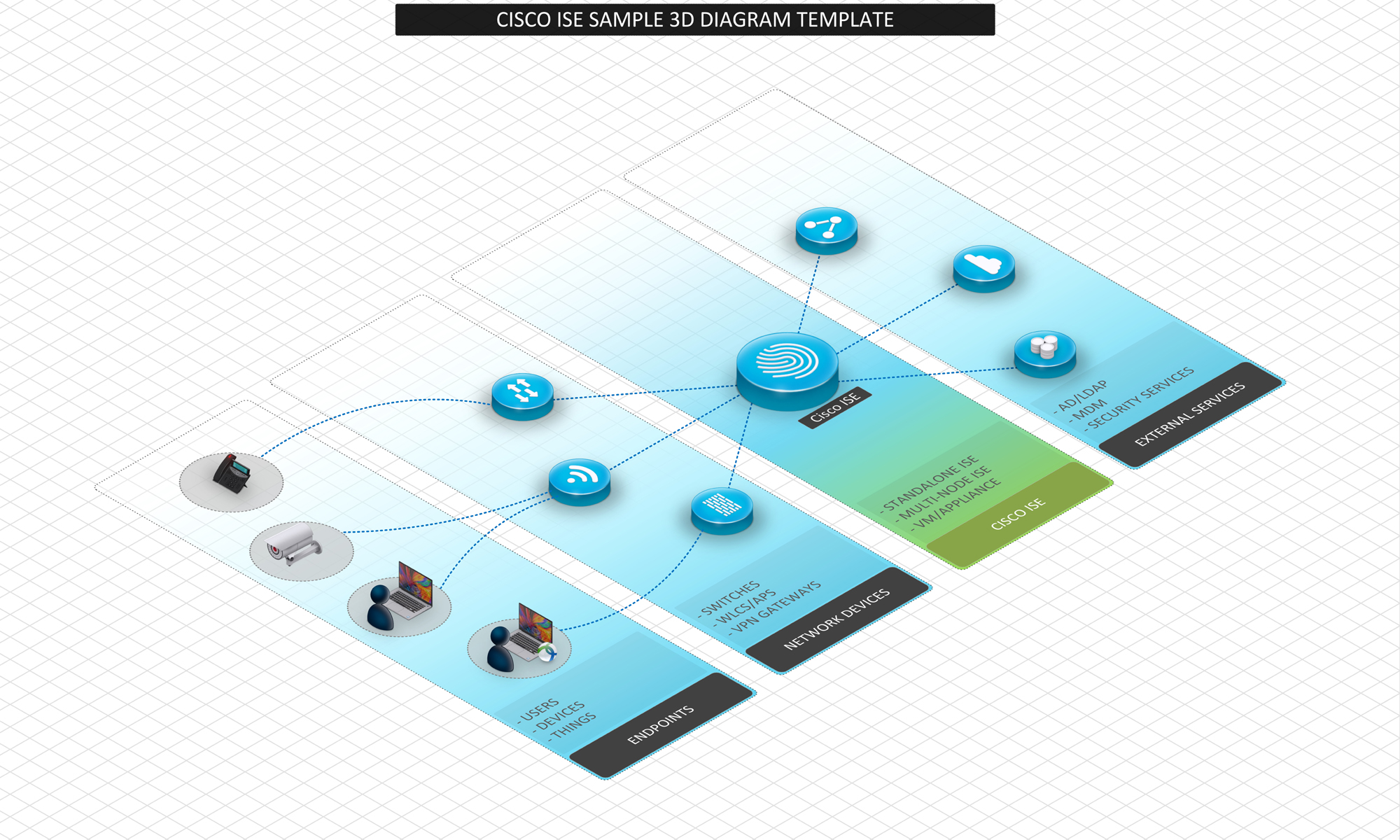
Cisco Identity Services Engine (ISE) is a comprehensive, policy-based access control system that provides secure network access for devices and users. Deploying Cisco ISE involves several key steps to ensure optimal performance and security within an enterprise network.
Planning and Preparation
Before deploying Cisco ISE, thorough planning is essential. This involves assessing the network infrastructure, defining security policies, and determining hardware and software requirements. Cisco ISE can be deployed on physical appliances, virtual machines, or cloud-based platforms, depending on the organization’s needs and existing infrastructure.
Installation
The installation process begins with setting up the Cisco ISE nodes. These nodes can be configured as primary or secondary administration nodes, policy service nodes, or monitoring nodes. Each node type has a specific role in the network, and a distributed deployment can enhance scalability and redundancy. The installation typically involves downloading the Cisco ISE software, configuring the network settings, and initiating the setup wizard to guide through the initial configuration.
Configuration
Post-installation, Cisco ISE requires detailed configuration to align with the organization’s security policies. This includes setting up authentication and authorization policies, integrating with existing directory services such as Active Directory, and configuring profiling policies to identify and classify network devices. Cisco ISE’s intuitive web-based interface facilitates this process, offering comprehensive options for customization.
Testing and Validation
Once configured, it’s crucial to test the Cisco ISE deployment to ensure it functions as expected. This involves verifying the authentication and authorization processes, testing device profiling and posture assessment, and ensuring network access policies are enforced correctly. Any issues identified during testing should be addressed to ensure a smooth operational deployment.
Deployment and Monitoring
After successful testing, the Cisco ISE deployment can be rolled out across the enterprise network. Continuous monitoring is essential to maintain security and performance. Cisco ISE provides robust monitoring tools and reporting capabilities to track network activity, detect anomalies, and generate compliance reports.
In summary, deploying Cisco ISE involves careful planning, precise installation, detailed configuration, thorough testing, and continuous monitoring to ensure a secure and efficient network access control system.