
Network Symbols
Huawei DataCom Icons Pack
$14.99
Format: Microsoft Visio (.vsdx) – also imports into Visio-compatible software
- Perpetual licence: no expiry and no yearly fee
- Download link straight after payment
- Works with Microsoft Visio and Visio-compatible software
- Included in every subscription plan
Need lots of products? A subscription includes everything.
Not sure yet? Try the free network symbols pack first to check the quality.
About this product
Huawei DataCom Icons Pack by
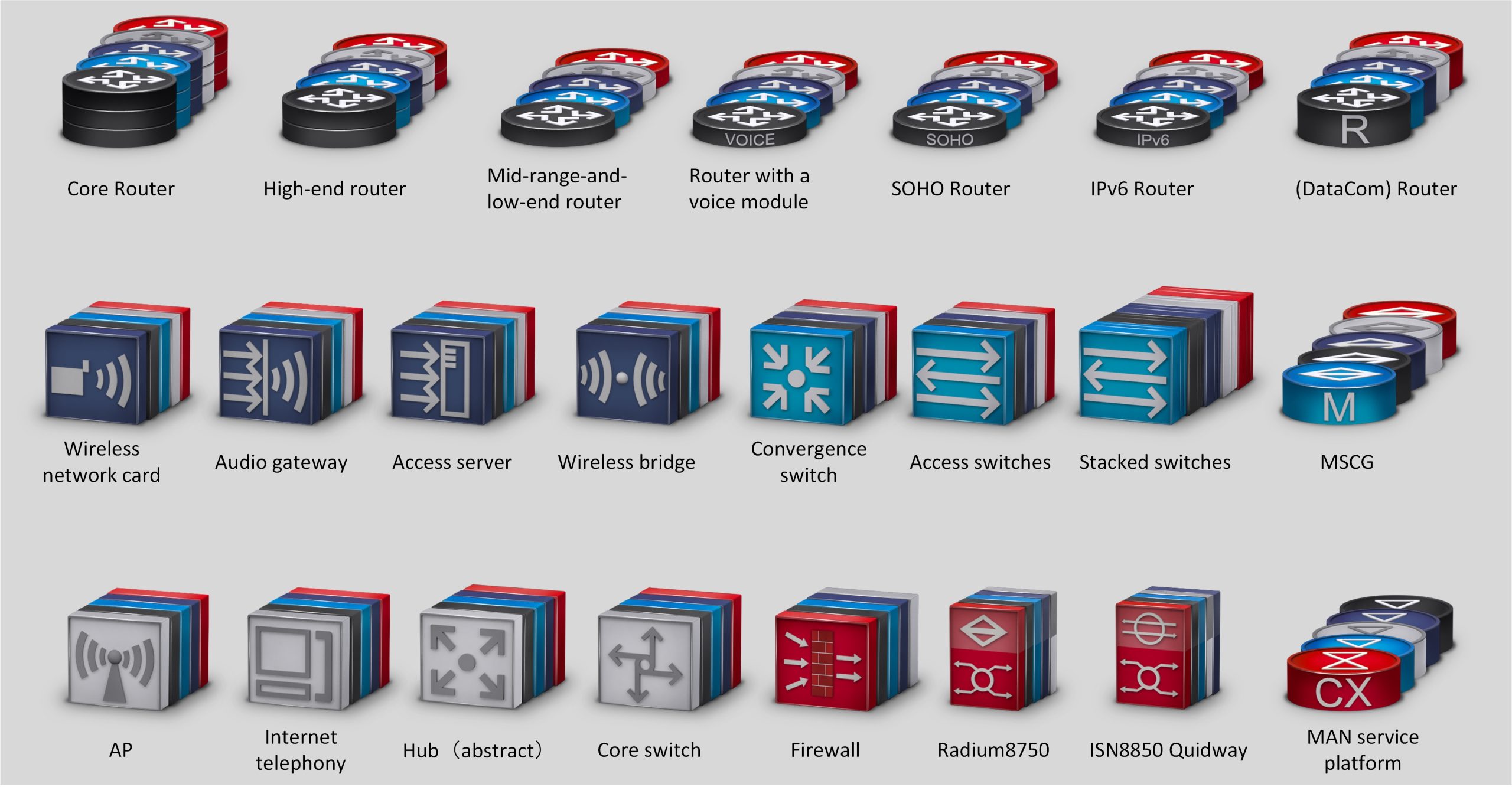
Huawei DataCom Icons Pack by 3D Networking is an exceptional and innovative collection designed to elevate the quality and clarity of network diagrams involving Huawei Data Communications equipment. This pack offers a comprehensive set of high-quality icons that cater to the specific needs of network professionals using Huawei technologies. Here’s a detailed look at what makes this icons pack so unique and valuable:
Features of the Huawei DataCom Icons Pack
Comprehensive and Detailed Icons:
- Network Devices:
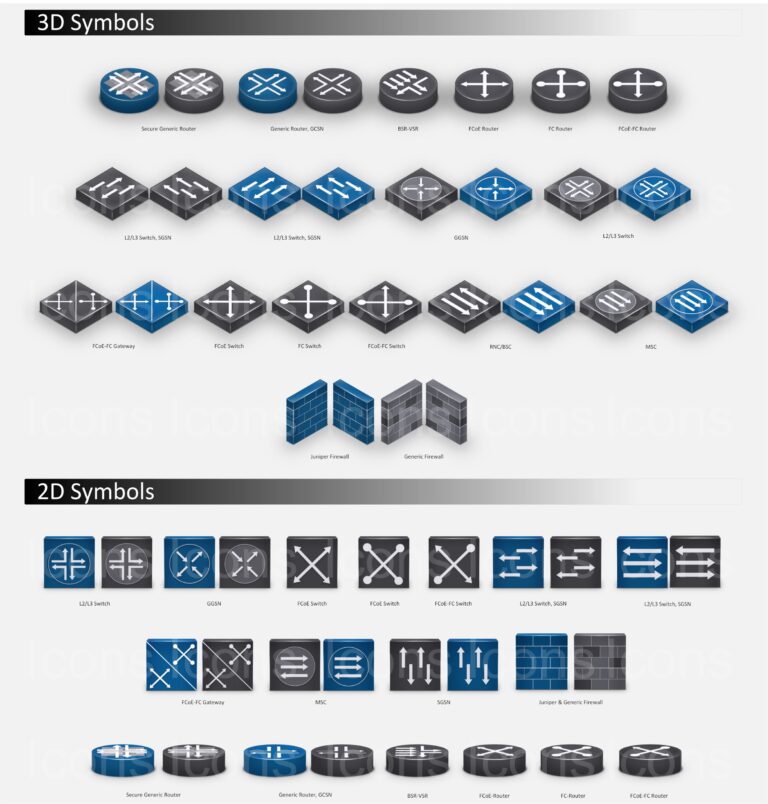
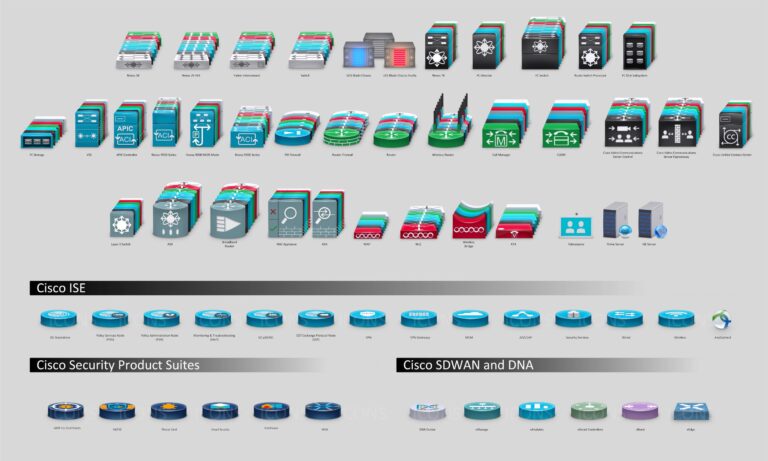
- Routers: Detailed icons for Huawei routers, including core, edge, and branch routers.
- Switches: Symbols for Huawei switches, covering data center, campus, and enterprise switches.
- Firewalls: Icons representing Huawei’s security appliances, including the USG series.
- Wireless Equipment:
- Access Points: Symbols for Huawei’s wireless access points, both indoor and outdoor models.
- Controllers: Icons for wireless LAN controllers used to manage and optimize wireless networks.
- Servers and Storage:
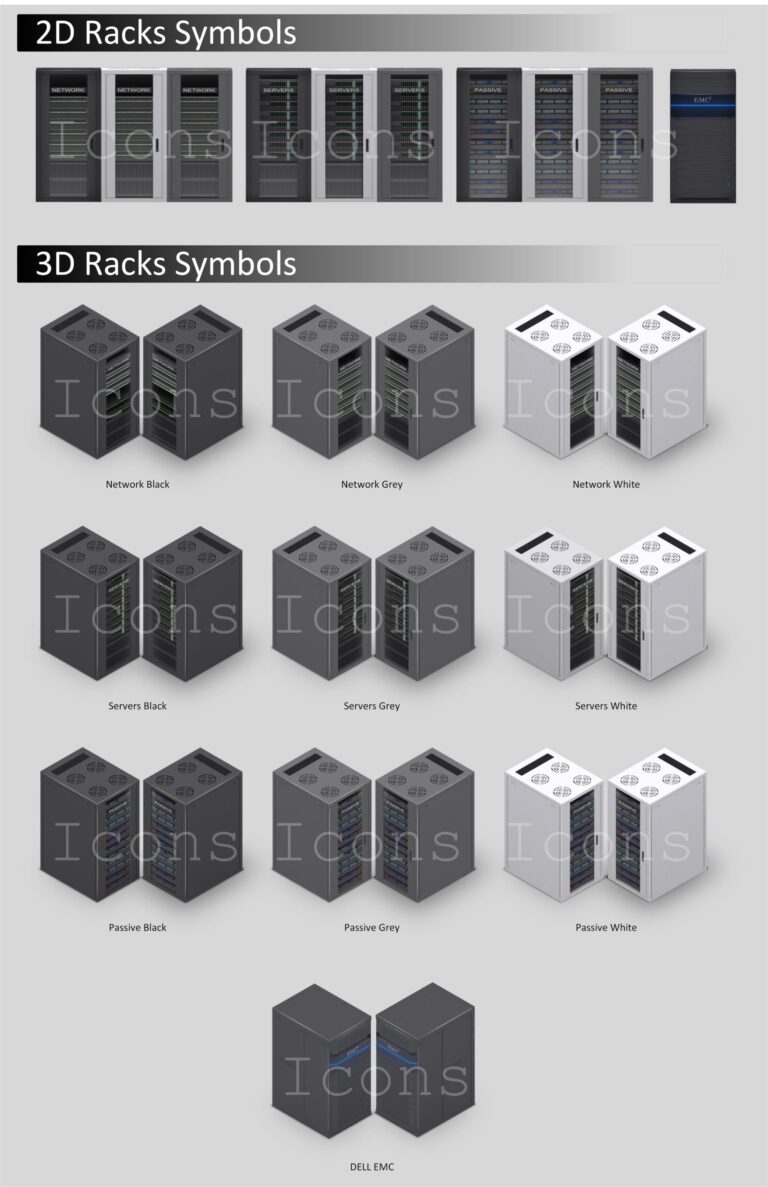
- Servers: Icons for Huawei servers, including rack, blade, and tower servers.
- Storage Solutions: Symbols for storage devices and arrays, such as SAN and NAS.
- Cloud and Virtualization:
- Cloud Services: Icons representing Huawei’s cloud services and virtualized environments.
- Virtual Machines: Symbols for virtual machines, containers, and other virtualization technologies.
- Cabling and Connectivity:
- Patch Panels: Icons for patch panels and cable management devices.
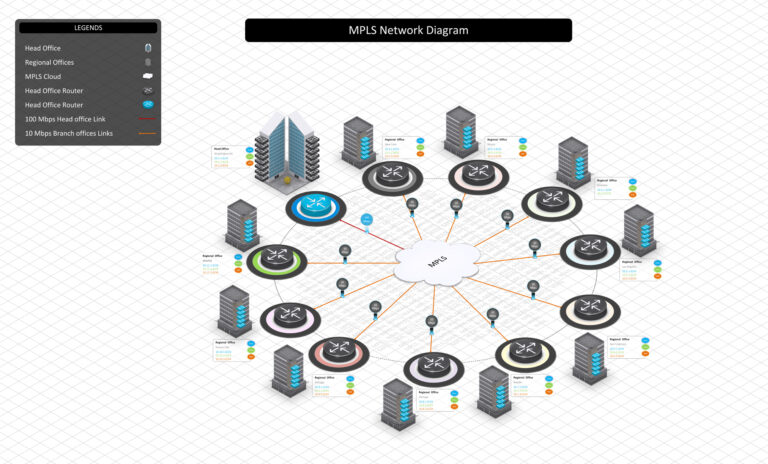
- Network Links: Different types of connection symbols, including Ethernet, fiber, and wireless links.
High-Quality Design:
- 3D Icons:
- Realistic Representation: High-quality 3D icons provide a realistic and engaging view of network components.
- Depth and Perspective: Enhanced depth and perspective make it easier to visualize complex network setups.
- 2D Icons:
- Clarity and Simplicity: Clear and concise 2D icons for quick and effective diagramming.
- Color-Coded: Different colors for various equipment types to improve recognition and organization.
Customization and Usability:
- Scalability:
- High Resolution: Icons maintain clarity and quality at various scales, making them suitable for both detailed and high-level diagrams.
- Flexible Sizing: Easily adjustable sizes to fit different diagramming needs.
- Editable Colors:
- Customizable: Users can modify colors to match specific preferences or organizational standards.
- Enhanced Visibility: Custom colors can highlight particular aspects of the network for better understanding.