
2D Network Templates
Template 19 Campus Animated Drawio
$20.99
Format: draw.io (animated) – also imports into diagram software that supports it
- Perpetual licence: no expiry and no yearly fee
- Download link straight after payment
- Works with Microsoft Visio and Visio-compatible software
- Included in every subscription plan
Need lots of products? A subscription includes everything.
Not sure yet? Try the free network symbols pack first to check the quality.
About this product
Animated Drawio
Template 19 – Campus Animated Drawio by 3D Networking
Visualize Complex Campus Networks with Animation
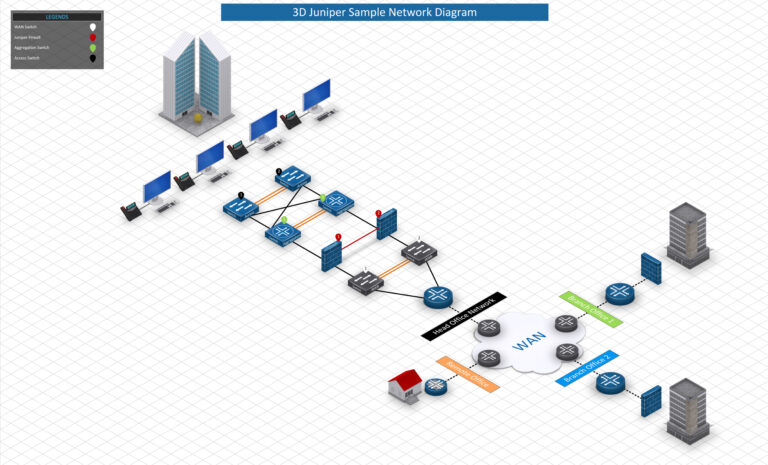
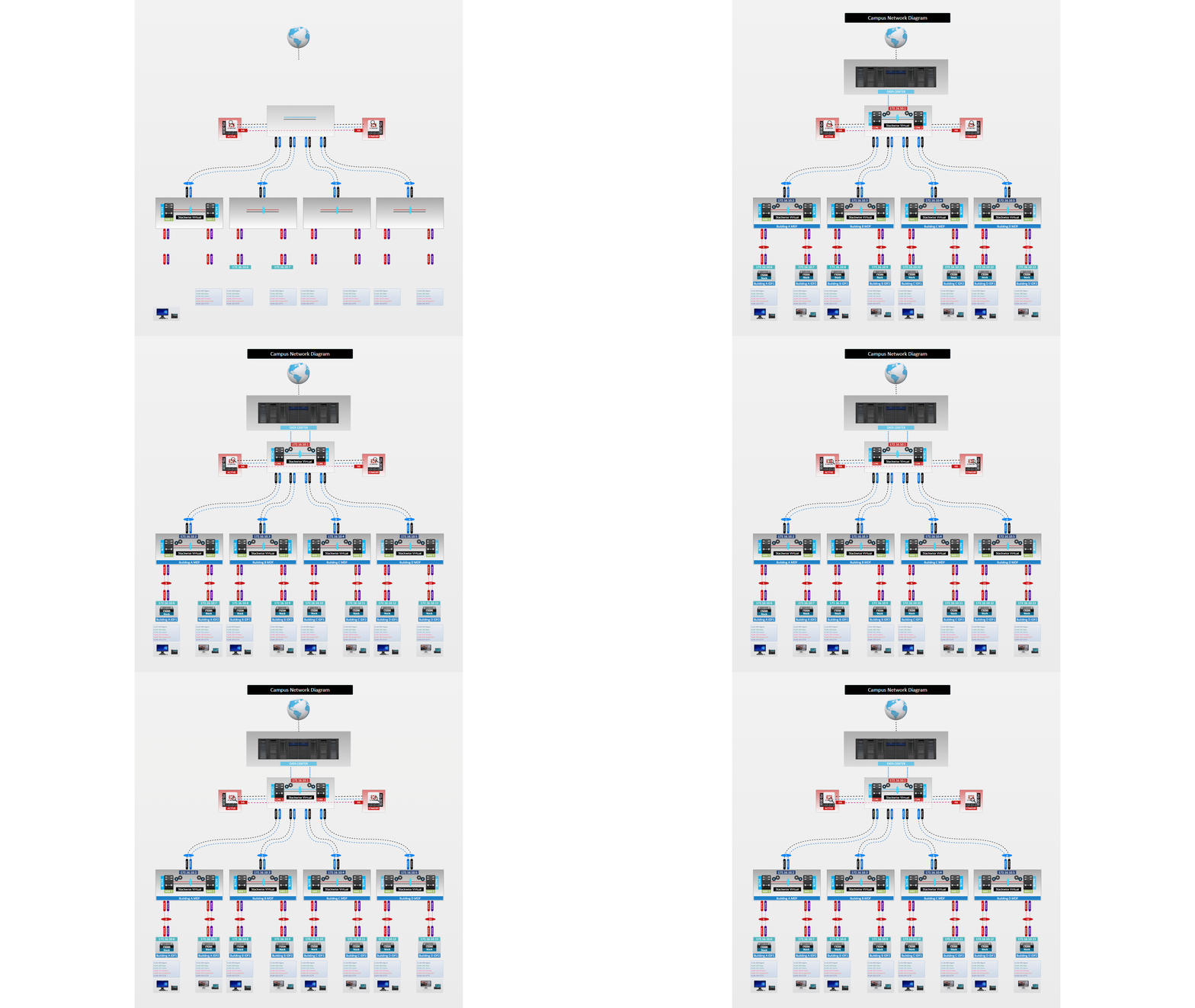
Template 19 – Campus Animated Drawio by 3D Networking offers an advanced, visually dynamic way to design and present campus network topologies. Unlike traditional static diagrams, this template introduces animated network traffic flows using Draw.io (Diagrams.net), allowing IT professionals, network architects, and system engineers to demonstrate real-time communication between devices, nodes, and zones.
This Animated Drawio template is particularly useful for scenarios that require clarity, such as executive presentations, infrastructure documentation, or training modules. Whether you’re mapping out network segmentation, VLAN structures, or wireless zones across multiple buildings, this template adds interactivity that simplifies the complex.
Designed for Real-World Campus Infrastructure
Built with layered architecture in mind, the template incorporates core, distribution, and access layers, each animated to show logical data flow. The layout includes realistic icons for switches, routers, wireless controllers, access points, and endpoints. This format mirrors modern campus networks found in universities, corporate campuses, and enterprise environments.
Each layer is color-coded and animated to reflect real-time traffic flow, packet direction, and device interaction. These features help both technical and non-technical viewers understand how the system functions as a whole.
Seamless Integration and Easy Editing
Template 19 – Campus Animated Drawio is 100% editable within Draw.io. All elements—including icons, shapes, animations, and labels—can be customized to match your exact project specifications.
You can update:
-
Device models
-
IP addressing
-
Building labels
-
Zone names
-
Color schemes
-
Traffic path animations
This flexibility makes it perfect for both internal use and client-facing documentation. It also ensures future scalability as networks expand or change.
Compatible with Popular 3D Icon Sets
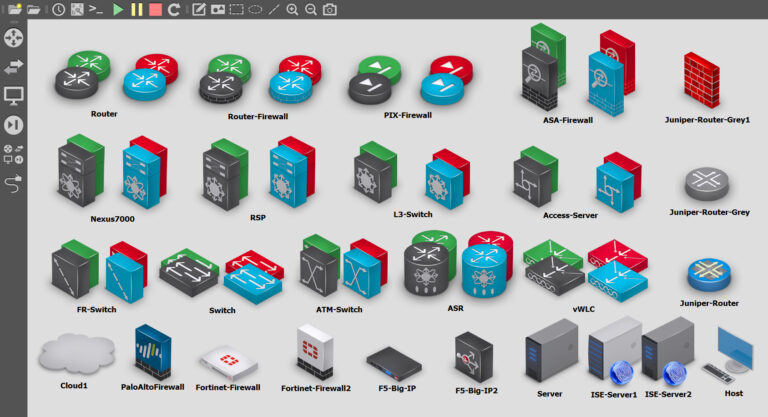
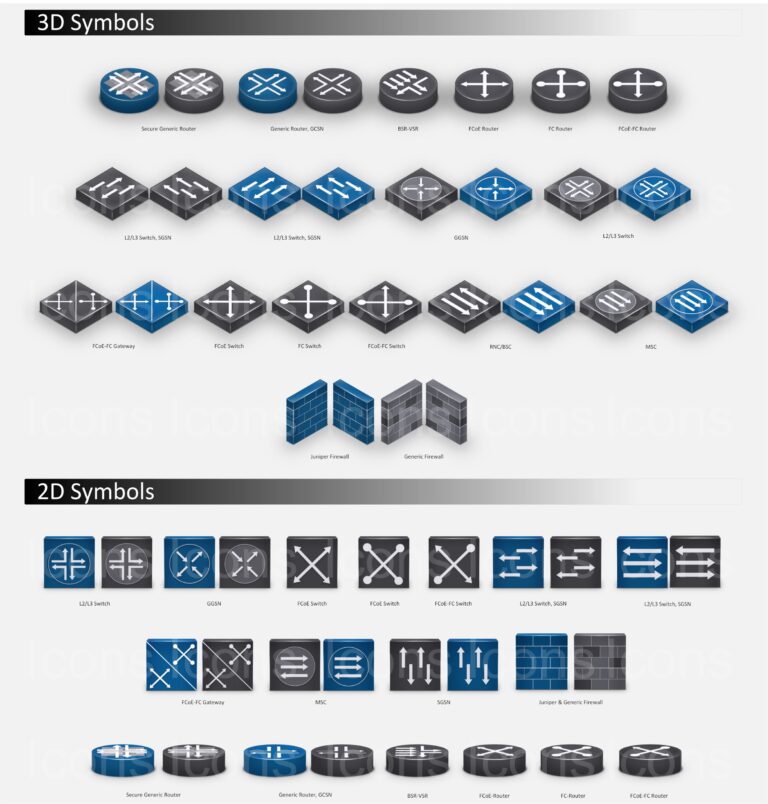
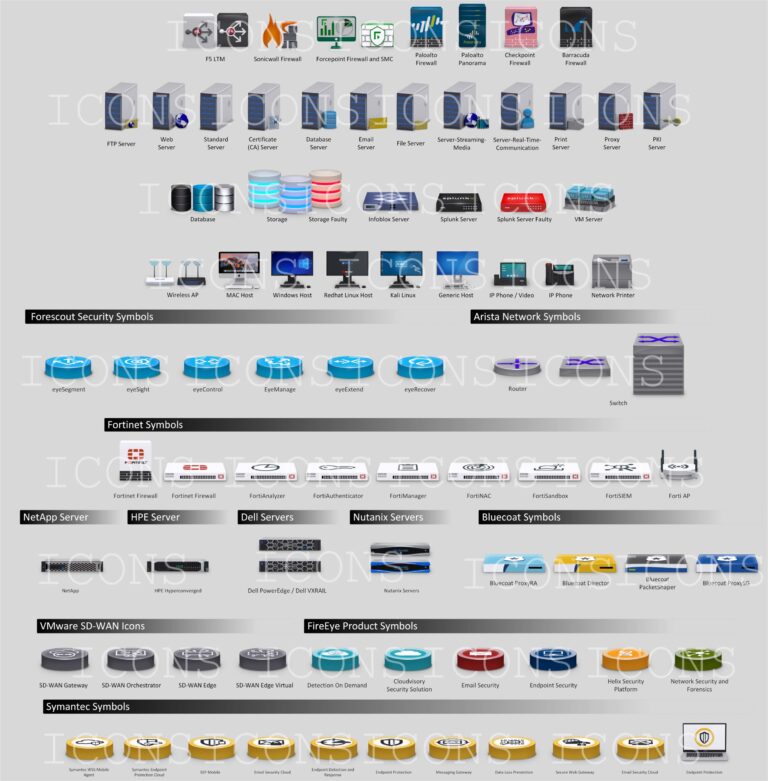
For maximum visual consistency, this template integrates easily with several other 3D icon packs by 3D Networking, including:
By using these packs, network designers can maintain brand and model accuracy while enhancing diagram clarity.
Use Cases for Animated Campus Diagrams
This Animated Drawio template is ideal for a variety of practical applications, including:
-
Infrastructure Planning: Present and validate campus topology before deployment.
-
Executive Briefings: Explain layered architecture in a digestible visual format.
-
Onboarding & Training: Use in IT workshops or certifications to demonstrate network behavior.
-
Incident Response Mapping: Trace traffic paths in the event of downtime or intrusion.
-
Documentation for Audits & Compliance: Add visual depth to technical documentation.
With its intuitive animations, this template reduces the time required to explain architectural decisions or troubleshoot network paths.
High Value for IT Teams and Consultants
Whether you’re an in-house engineer or a freelance IT consultant, this template provides the tools needed to build professional-grade presentations and deliverables. It simplifies the creation of network documentation for:
-
Client proposals
-
Security audits
-
Campus expansions
-
Equipment procurement justifications
-
Policy design presentations
With pre-built layers and animations, you’ll save hours compared to designing from scratch—without compromising on quality or clarity.
Why Choose Animated Drawio Templates?
Animated diagrams are no longer optional in modern IT communications—they are essential. Static visuals fail to convey the dynamic nature of how data flows within and between systems. Using an Animated Drawio template allows your audience to see the logic of your design, not just read about it.
Animation also enables:
-
Enhanced engagement during virtual meetings
-
Better retention of complex concepts
-
Simplified troubleshooting
-
Faster alignment between technical and business teams
This interactive style transforms how infrastructure is perceived and understood.
Make Your Campus Network Visuals Stand Out
Template 19 – Campus Animated Drawio turns traditional topology diagrams into intelligent, living illustrations of your network environment. Whether you’re visualizing a campus-wide Wi-Fi solution or explaining the segmentation of IoT devices from user zones, this template makes your message stronger and your delivery smoother.
Get it exclusively at 3D Networking.
Start building animated network diagrams that speak louder than static slides—only with Template 19.