
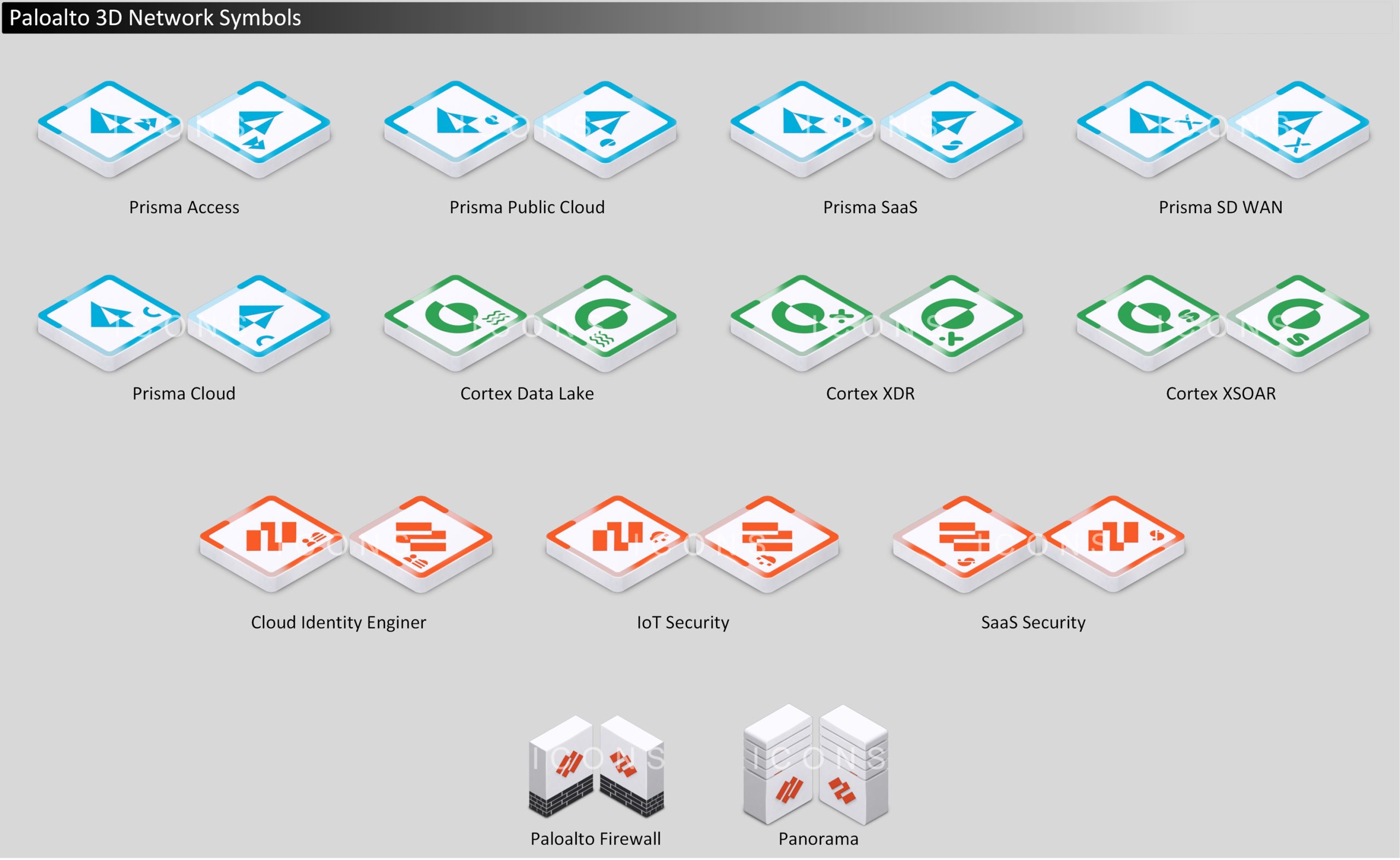
3D Network Symbols
Paloalto Networks Symbols 3D PNG
$12.99
Format: Microsoft Visio (.vsdx) and PNG images – also imports into Visio-compatible software
- Perpetual licence: no expiry and no yearly fee
- Download link straight after payment
- Works with Microsoft Visio and Visio-compatible software
- Included in every subscription plan
Need lots of products? A subscription includes everything.
Not sure yet? Try the free network symbols pack first to check the quality.
About this product
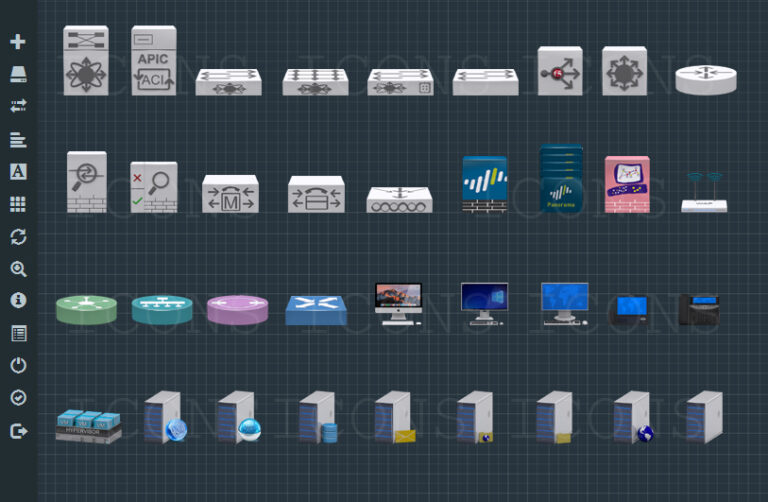
Palo Alto Symbols PNG contains high-quality symbols with amazing visual effects.
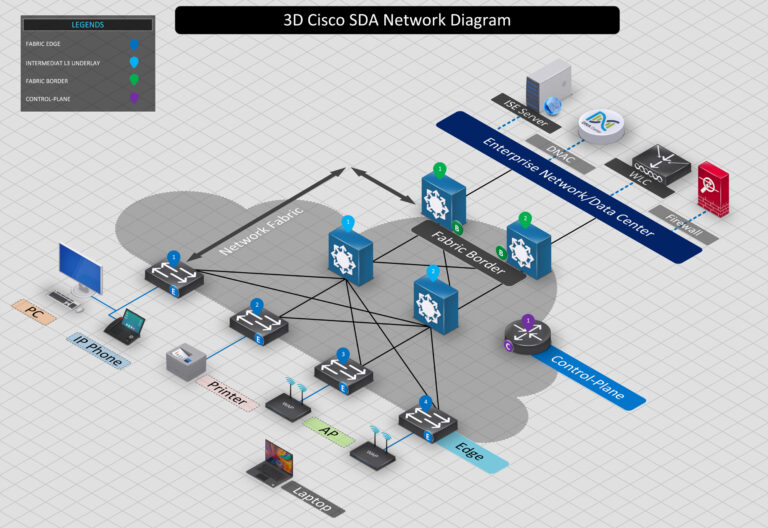
A Palo Alto network diagram typically illustrates the architecture and components of a network that uses Palo Alto Networks’ security solutions. These diagrams are crucial for visualizing the deployment of network security appliances, understanding traffic flow, and ensuring robust security posture across an organization’s infrastructure. Here are key components and their descriptions typically included in a Palo Alto network diagram:
- Palo Alto Networks Firewall (PA Series):
- Placement: Positioned at the network perimeter or internally to segment and secure traffic between network segments.
- Functions: Provides next-generation firewall capabilities, including application-layer filtering, intrusion prevention, and threat intelligence integration.
- Panorama:
- Placement: Often centrally located to manage multiple firewalls.
- Functions: Centralized management solution for configuring and monitoring multiple Palo Alto Networks firewalls, simplifying administration and policy management.
- Security Zones:
- Description: Logical segments of the network, such as DMZ (demilitarized zone), internal network, and external network.
- Purpose: Each zone is defined with specific security policies to control traffic flow and enforce security rules between different parts of the network.
- Virtual Systems:
- Usage: Employed in environments that require the partitioning of a single firewall into multiple virtual firewalls.
- Purpose: Allows separate administrative domains and policy sets for different organizational units or tenants.
- GlobalProtect:
- Placement: Client-side software on user devices.
- Functions: Extends security policies to remote users by establishing secure VPN tunnels back to the network, ensuring consistent security enforcement.
- WildFire:
- Integration: Typically connected to firewalls and Panorama.
- Purpose: Provides advanced threat detection and prevention by analyzing unknown files and links for malicious behavior.
- High Availability (HA) Pairs:
- Configuration: Firewalls configured in active/passive or active/active mode.
- Purpose: Ensures redundancy and high availability of security services, minimizing downtime and maintaining continuous protection.
- Traffic Flow:
- Visualization: Arrows and labels illustrate the path of traffic through the network.
- Purpose: Shows how data moves between different network segments, through security appliances, and to its destination.
A typical Palo Alto network diagram is detailed, showing connections between devices, the flow of traffic, and the implementation of security policies. It is an essential tool for network engineers and security professionals to design, manage, and troubleshoot the network, ensuring that all components work together to provide comprehensive security.
Paloalto Networks Symbols
Visual Clarity for Network Security Diagrams
The Palo Alto Networks Symbols Pack (3D PNG) by 3D Networking is a professional-grade visual toolkit. It’s designed for cybersecurity engineers, solution architects, and IT teams who need clear, branded diagrams. This pack includes 3D-rendered Palo Alto Networks Symbols, all in transparent PNG format.
These symbols work effortlessly in Microsoft Visio, Lucidchart, EdrawMax, Draw.io, PowerPoint, and other popular tools. As a result, they integrate smoothly into both technical and executive presentations.
Designed with Accuracy and Brand Consistency
Every icon in the pack reflects Palo Alto’s real-world products. You’ll find next-generation firewalls, virtual firewalls, and threat protection appliances. Also included are Prisma Access, Cortex, cloud security elements, and Panorama management tools.
These symbols follow Palo Alto’s design standards closely. Therefore, your diagrams will look polished and stay on brand.
Add Depth and Structure to Your Designs
The 3D models come with optional ground shadows. This feature adds depth and helps create a strong visual hierarchy. As a result, your diagrams stand out and become easier to understand.
For instance, complex security layers like Zero Trust networks or hybrid deployments can be illustrated with clarity. This helps teams present architecture confidently to both technical and non-technical audiences.
Built for Real-World Security Use Cases
Whether you’re documenting an enterprise firewall setup or showing inbound and outbound traffic flows, this pack helps you do it clearly. It’s ideal for use in audits, documentation, and client-facing designs.
Moreover, the Palo Alto Networks Symbols support visuals for modern architectures. These include secure cloud connectivity, traffic segmentation, and endpoint protection.
Communicate with Precision
The Palo Alto Networks Symbols Pack isn’t just a collection of icons. It’s a visual solution built to enhance your network diagrams with detail, consistency, and impact.
Explore the full set now at 3D Networking. Bring your cybersecurity designs to life—with clarity and confidence.