
2D Network Templates
2D Template 9 Data Center 3 White
$12.99
Format: Microsoft Visio (.vsdx) – also imports into Visio-compatible software
- Perpetual licence: no expiry and no yearly fee
- Download link straight after payment
- Works with Microsoft Visio and Visio-compatible software
- Included in every subscription plan
Need lots of products? A subscription includes everything.
Not sure yet? Try the free network symbols pack first to check the quality.
About this product
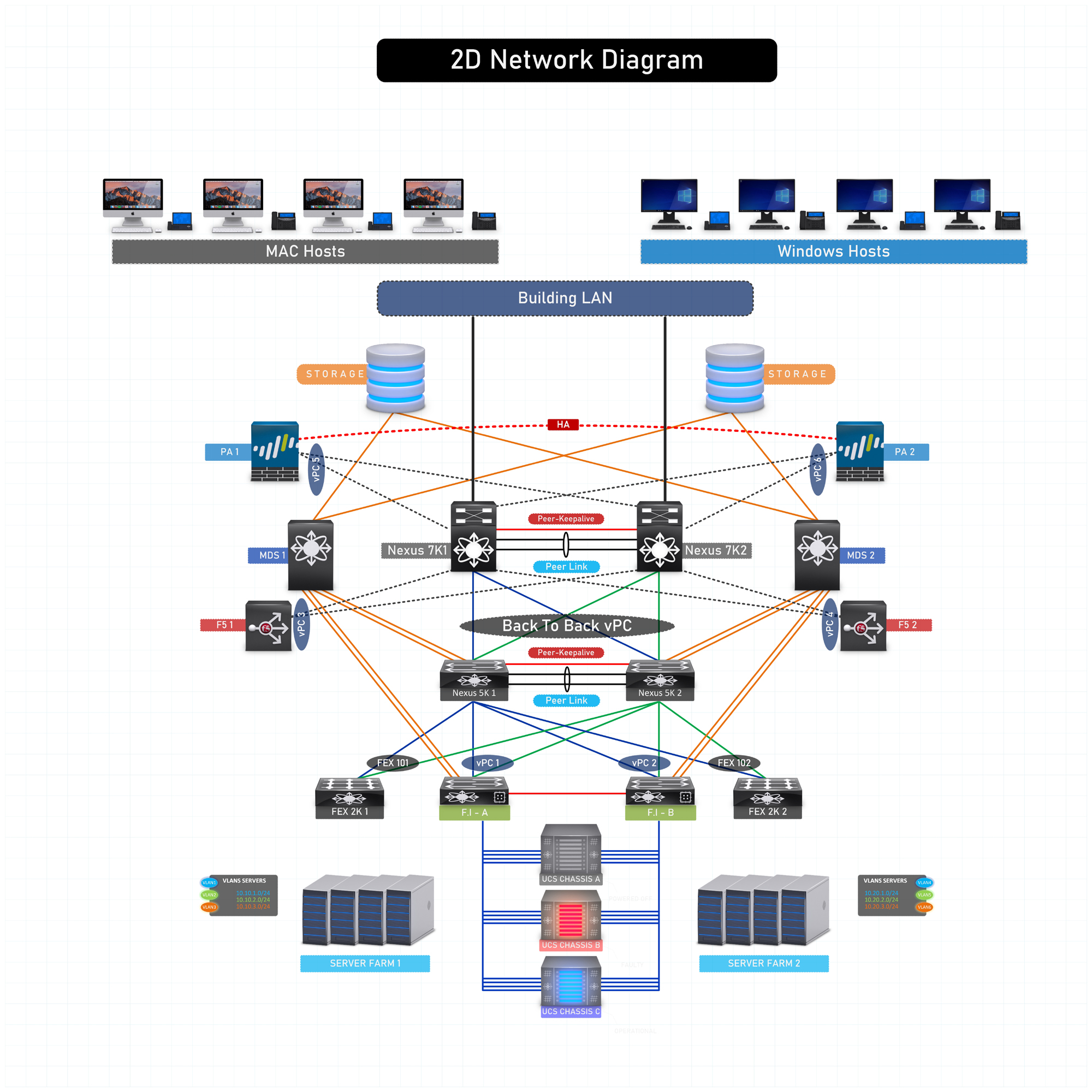
Data Center 3 White Diagram is a state-of-the-art visualization tool designed to provide an exceptional representation of data center infrastructure. This diagram leverages a clean, minimalist white theme that enhances clarity and focus on essential components and connections within the data center.
Key Features:
- Aesthetic Elegance:
- The white theme offers a sleek, modern look that is both professional and visually appealing. The minimalist design ensures that the diagram is not cluttered, allowing for easy comprehension and focus on critical elements.
- Clear Component Visualization:
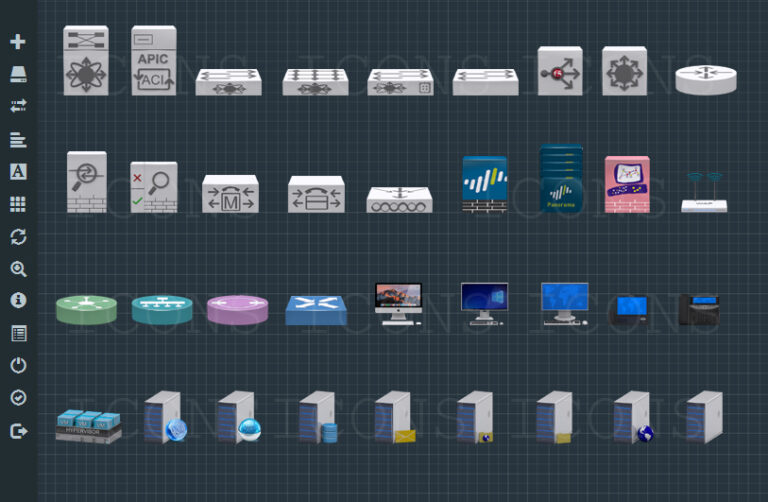
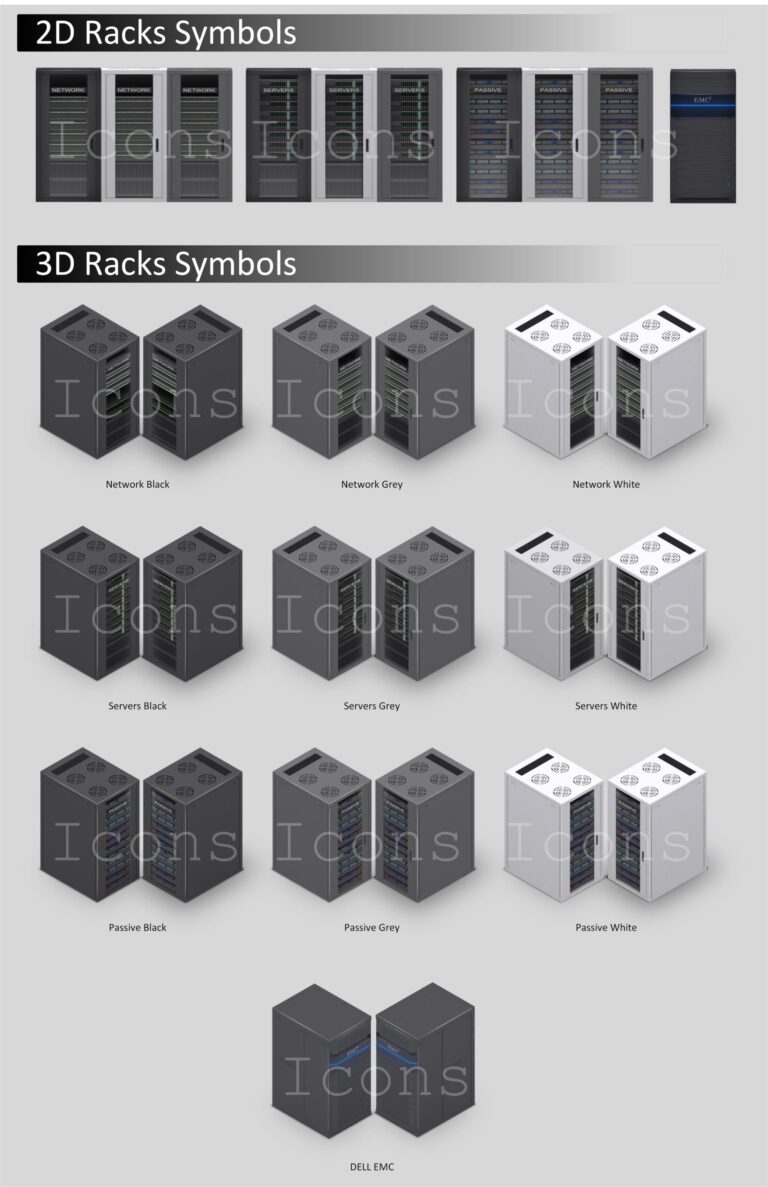
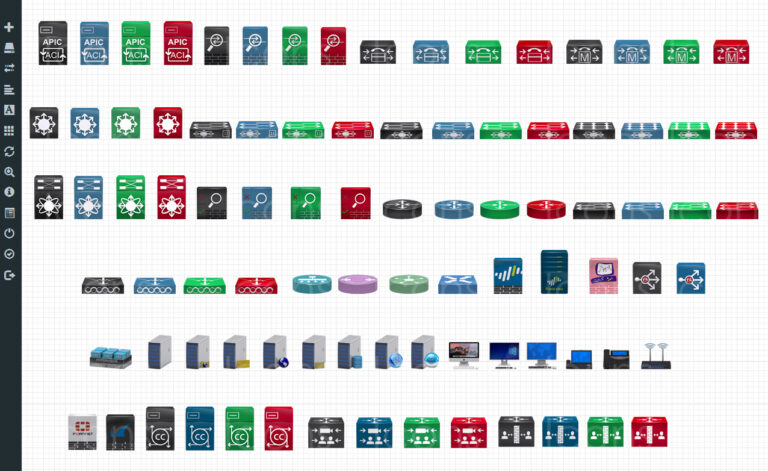
- Data Center 3 White Diagram uses distinct shapes and icons to represent various data center components such as servers, storage units, network switches, and cooling systems. This clear differentiation helps in quickly identifying and understanding the roles of each component within the infrastructure.
- Dynamic Visual Effects:
- Incorporating subtle animations and transitions, the diagram brings the static elements to life, enhancing user engagement and interactivity. These visual effects are designed to highlight active pathways, data flow, and real-time status updates, providing a dynamic overview of the data center operations.
- Scalability and Flexibility:
- The diagram is designed to be highly scalable, accommodating data centers of all sizes, from small server rooms to large enterprise facilities. Its flexible structure allows for easy updates and modifications, making it an excellent tool for planning and documentation.
- Interactive Elements:
- Interactive features such as clickable icons and expandable sections allow users to delve deeper into specific areas of the diagram. This interactivity provides detailed insights without overwhelming the overall view, making the diagram both informative and user-friendly.
Benefits:
- Enhanced Communication:
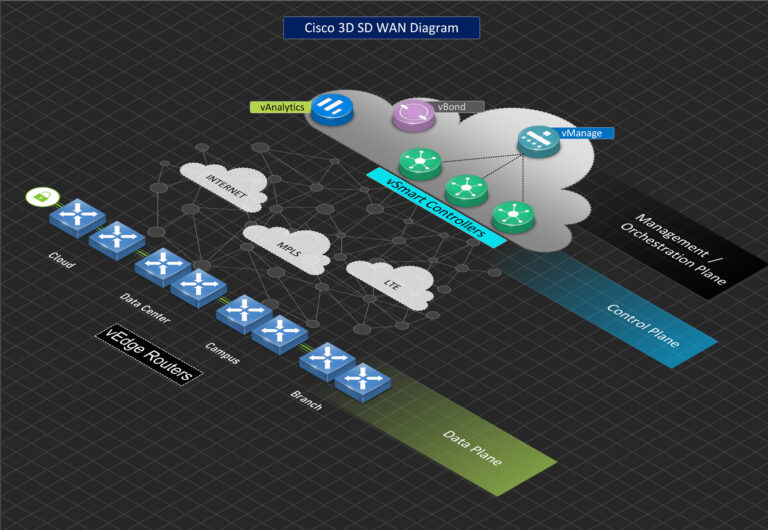
- The clean and engaging design facilitates better communication of complex data center architectures to various stakeholders, including technical teams, management, and clients. It helps in clearly conveying the layout and functioning of the data center.
- Improved Documentation:
- The elegant and organized representation aids in comprehensive documentation. It serves as an effective reference for data center management, troubleshooting, and planning future upgrades or expansions.
- Increased Engagement:
- The visually appealing design captures attention and maintains interest, making it ideal for presentations, training sessions, and reports. The dynamic and interactive elements ensure that the information is not only seen but also understood and remembered.
The Data Center 3 White Diagram combines aesthetic elegance with functional clarity, making it an invaluable tool for visualizing and communicating the intricate details of data center infrastructure. This innovative approach ensures that complex information is presented in a clear, engaging, and easily understandable manner.